BCIT Project Hub
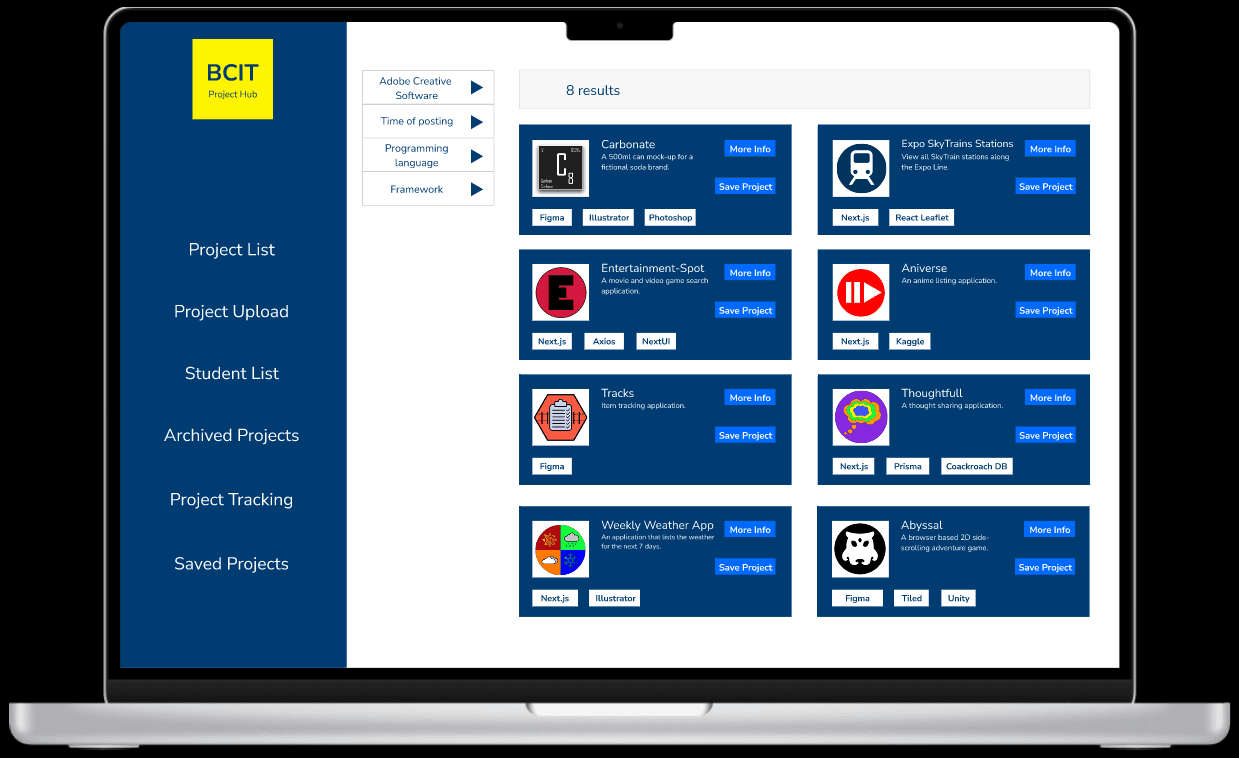
Project Overview
My Role: Ui/UX Designer
Project Duration: May 2023 - June 2023 (5 weeks)
This was the first project I worked on during my practicum in the Digital Design and Development (D3) program at BCIT. The BCIT Project Hub was originally called the D3 Project Hub.
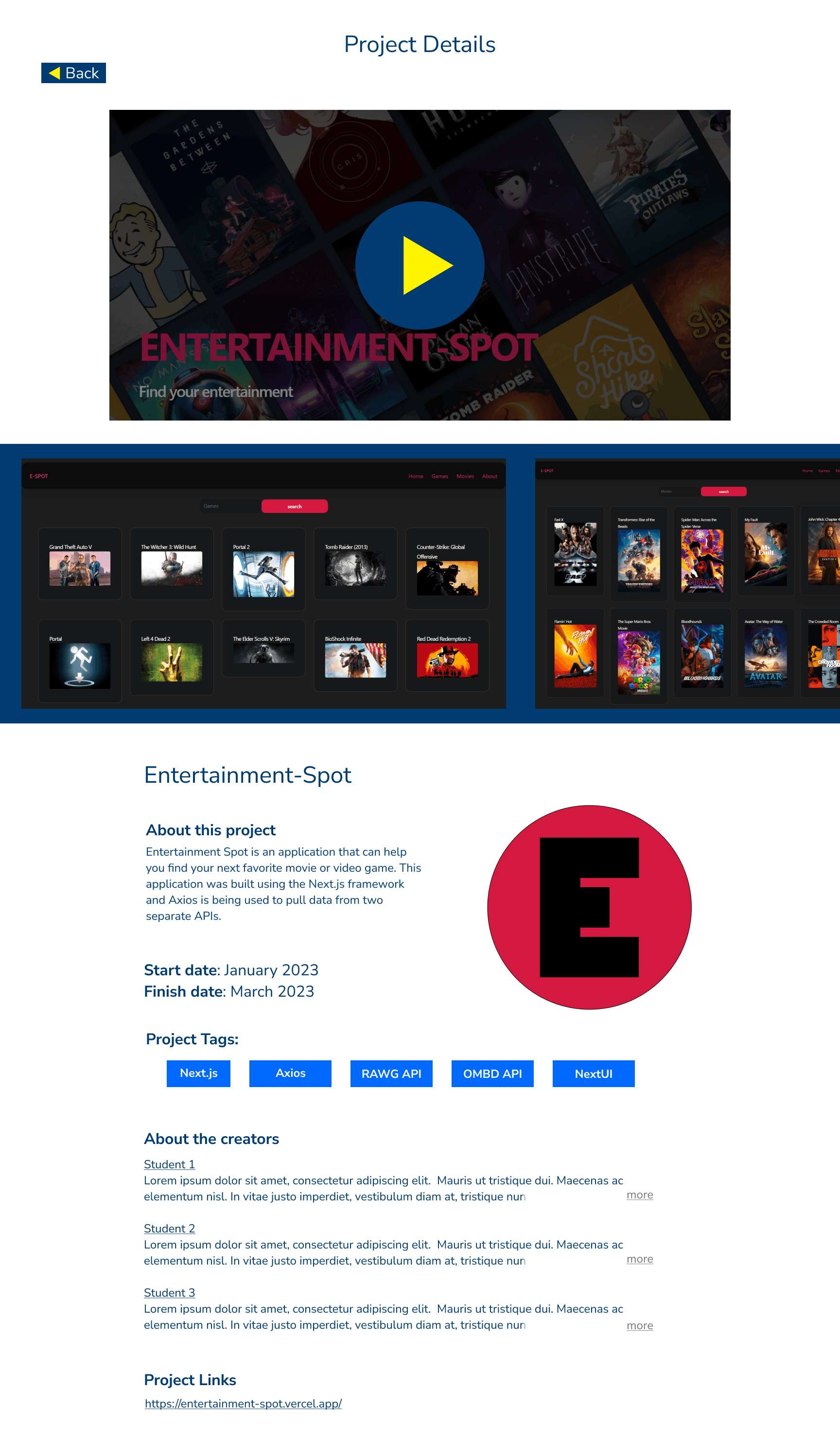
The goal was to create a desktop and mobile high fidelity mockup of an application that would provide a space for D3 students to upload a project listing. A project listing would be presented in a similar format to apps in the google play store or the apple app store.
As the practicum came to a close, I was given the opportunity to expand the application's scope to be applicable to other programs. This is how the D3 Project Hub became the BCIT Project Hub.
The practicum ended with me giving a presentation of the final mockup of the BCIT Project Hub. This presentation was given to the program heads within the Digital Arts, Media and Design department at BCIT.
Problem
There is currently no centralized place for BCIT students in the Digital Art, Media and design department to store records of their projects.
Project materials may be scattered across multiple storage locations. This can make it more difficult for D3 students to track, organize and showcase their work.
Solution
The BCIT Project Hub can help students keep a record of past projects and their details.
It will also act as an archive that new students will be able to view and gain inspiration from.
Part 1: D3 Project Hub
This portion of the case study was written earlier in the practicum. This was before the D3 Project hub was expanded and became the BCIT Project Hub. Several features that I had taken out while creating the D3 Project Hub were added later on when working on the BCIT Project Hub.
The D3 project hub was a concept for a web application that allows first and second year D3 students to upload and display all of their projects in one place. This application can help D3 students organize all of the projects they create during the program. Students can also view the projects of past D3 students in a project archive. The primary users of the D3 Project Hub would be D3 students with instructors acting as moderators.
Ideation
I spent the first few days focusing on ideation. I wanted to have as solid an understanding as I could gain. I asked questions such as “What problem are we really trying to solve here?” and “Who are we trying to solve it for?”. These questions were paramount in keeping the primary users at the forefront of the design process. I wanted to create an application that would be useful, easy to navigate and connected to the BCIT brand.
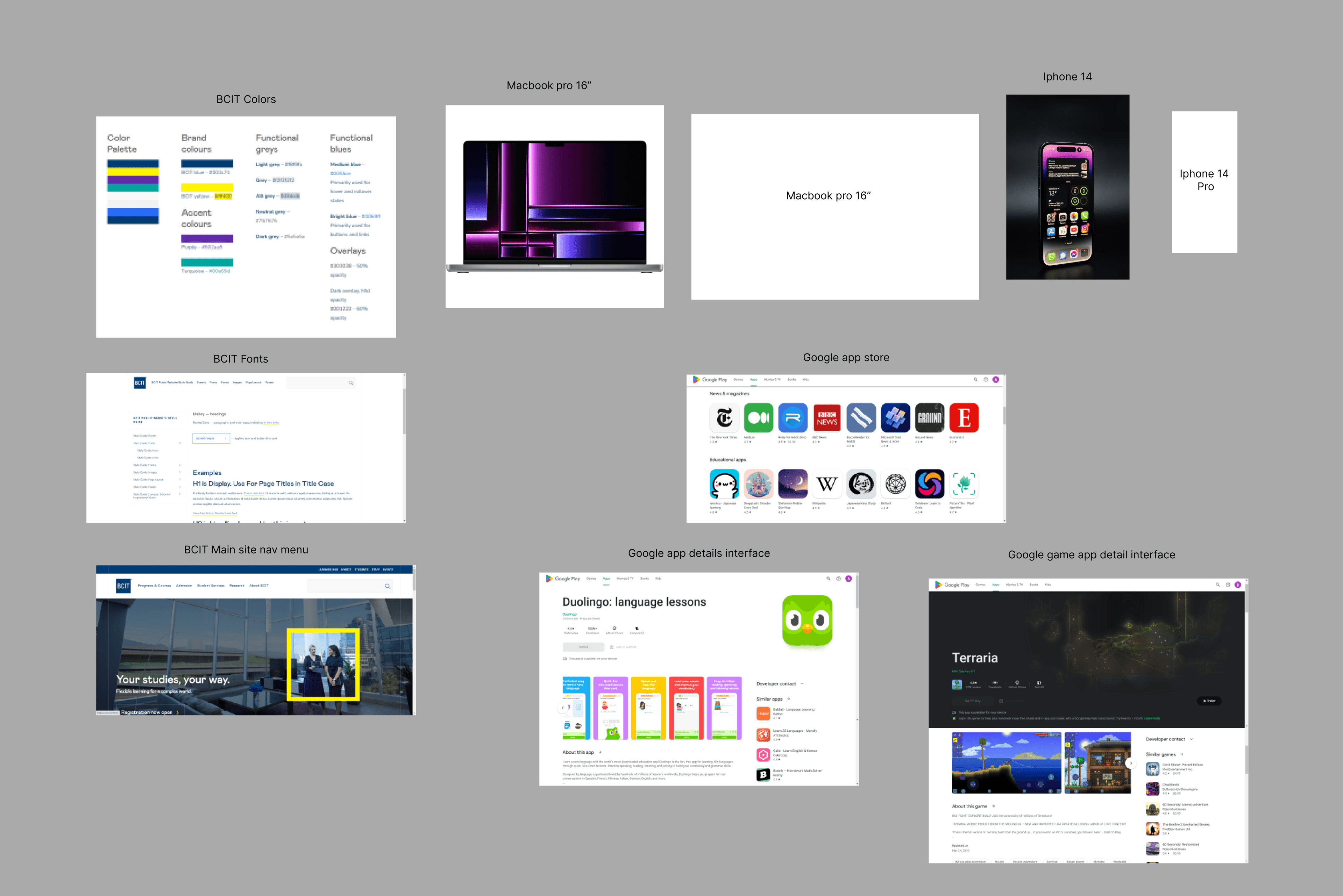
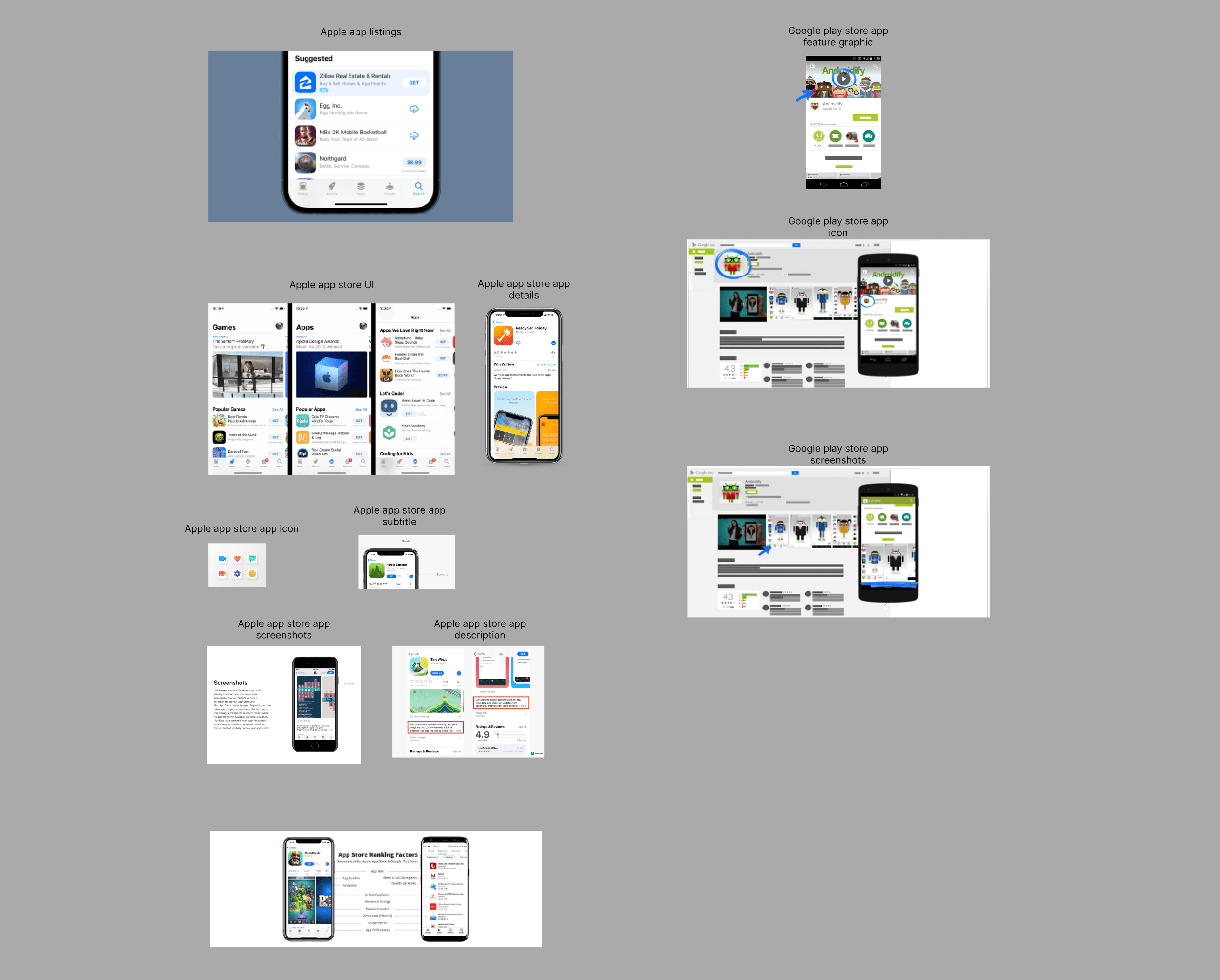
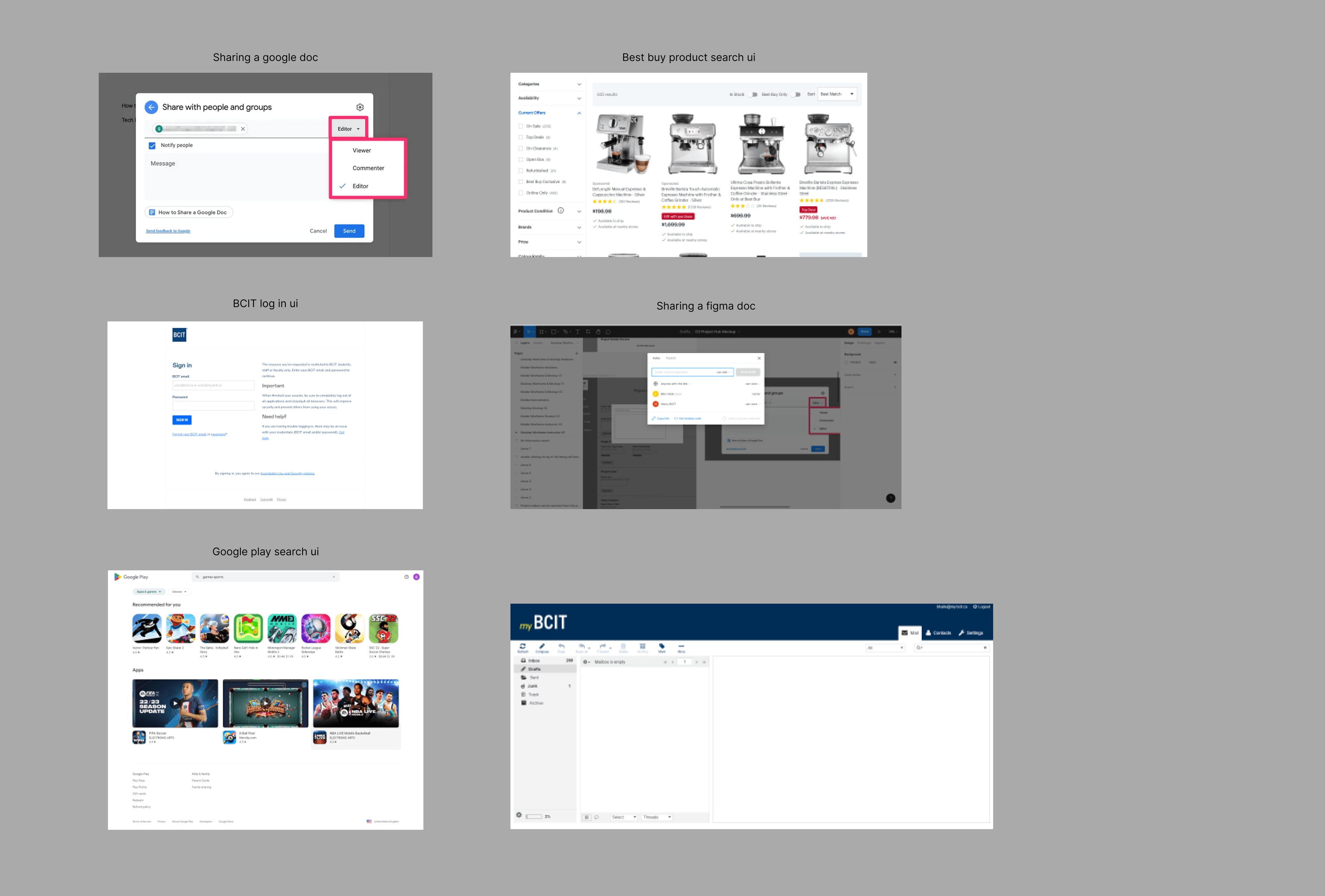
I found the BCIT style guide which helped guide the structure of the app and the overall design. I also had the idea of using the apple app store and the google play app store to guide the concept of students listing their projects.
Web Mapping
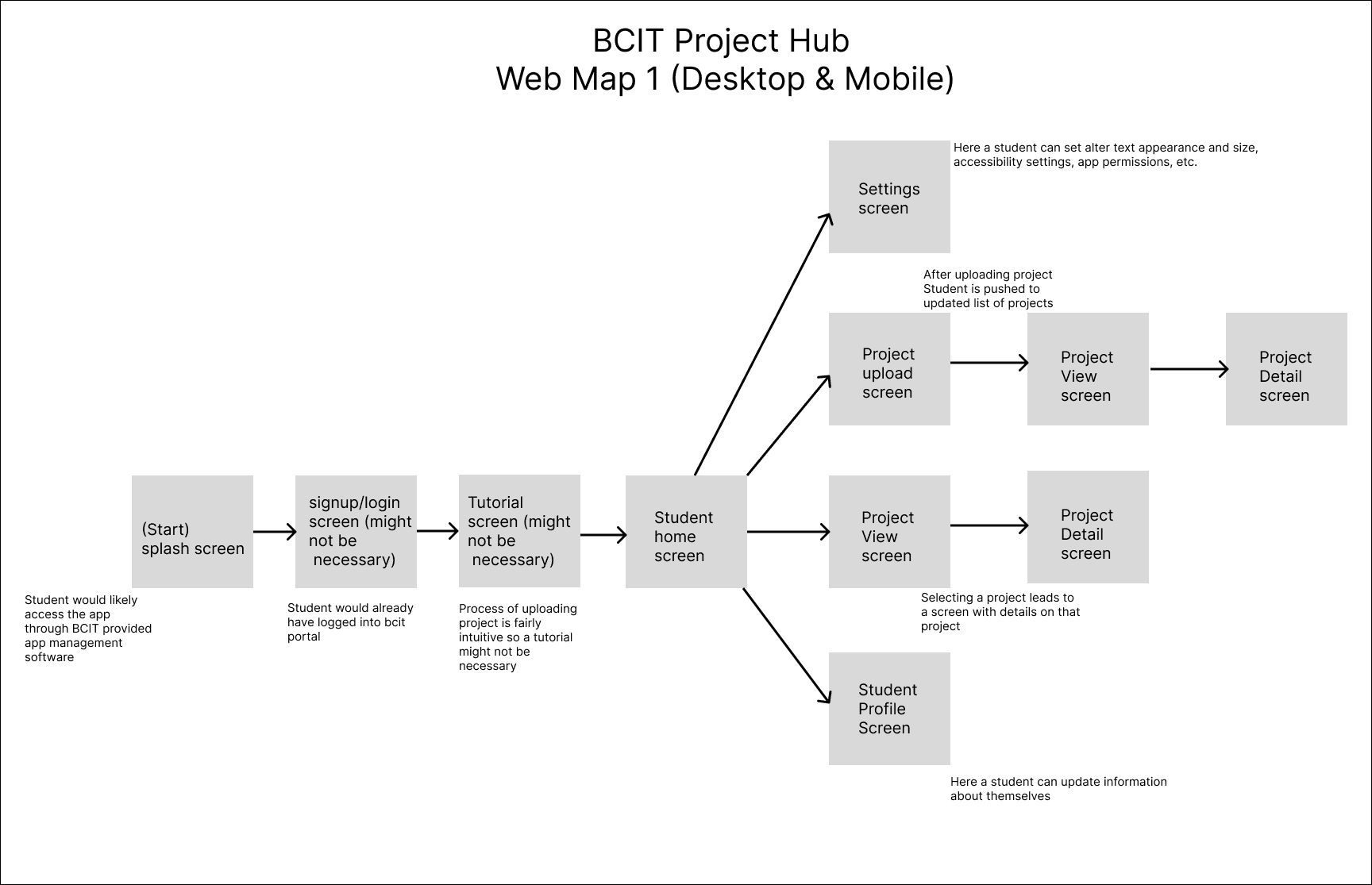
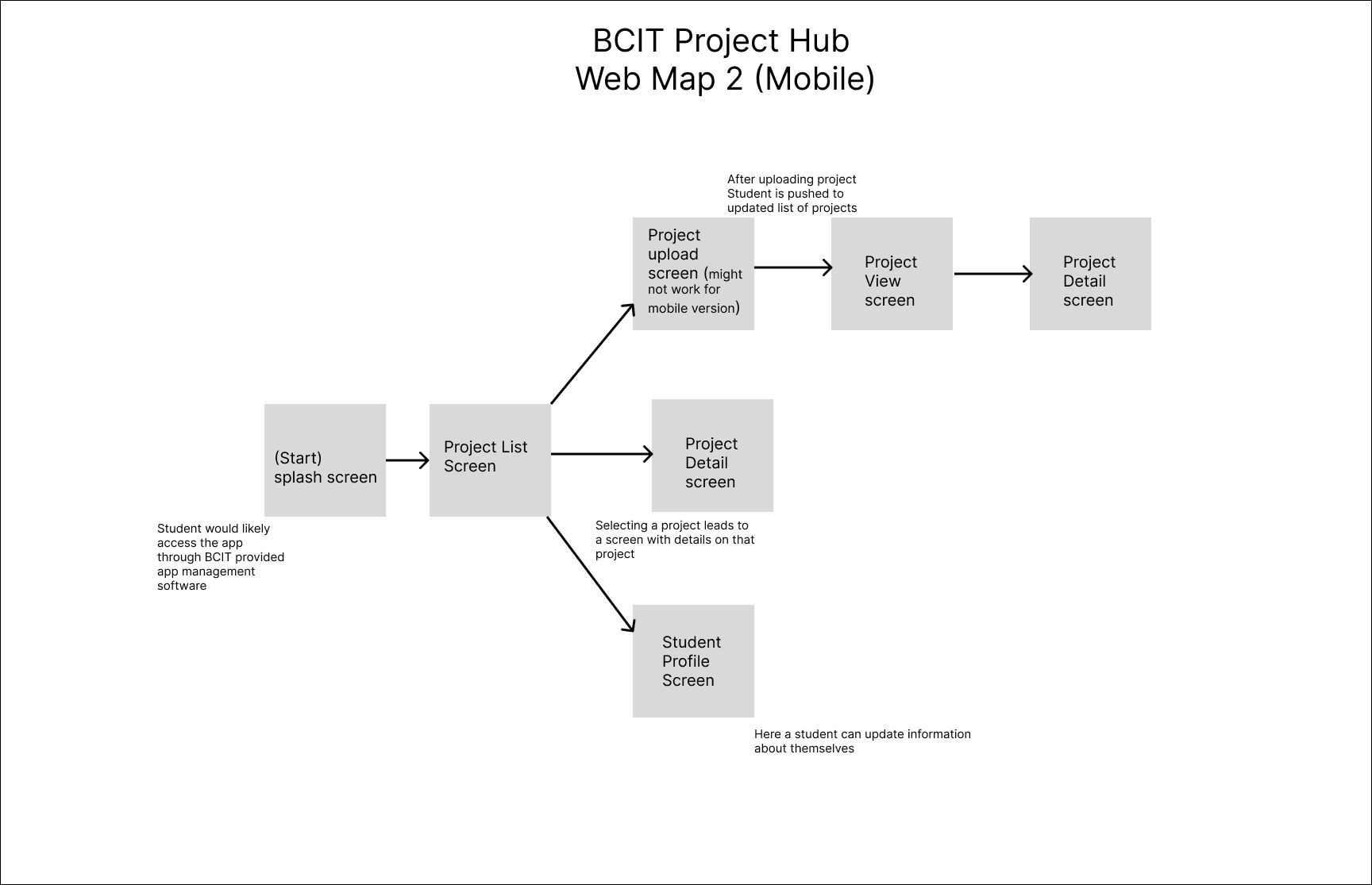
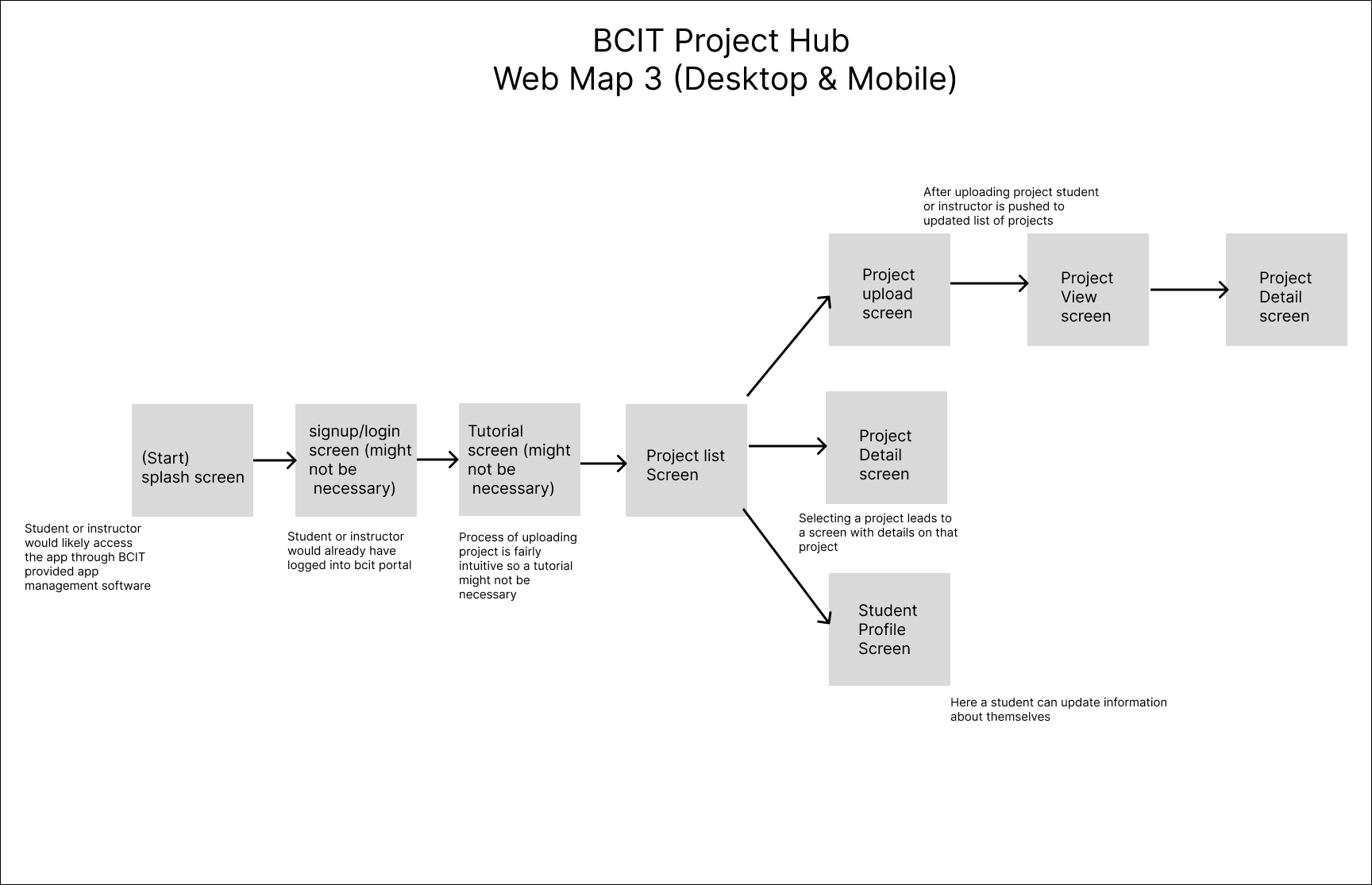
Web mapping was helpful in laying out the user task flow. I found that a signup/login screen wouldn't be needed if just D3 students and instructors were using it. There was also going to be a tutorial, but I felt the project uploading was intuitive so it wouldn't be necessary.
Wireframing
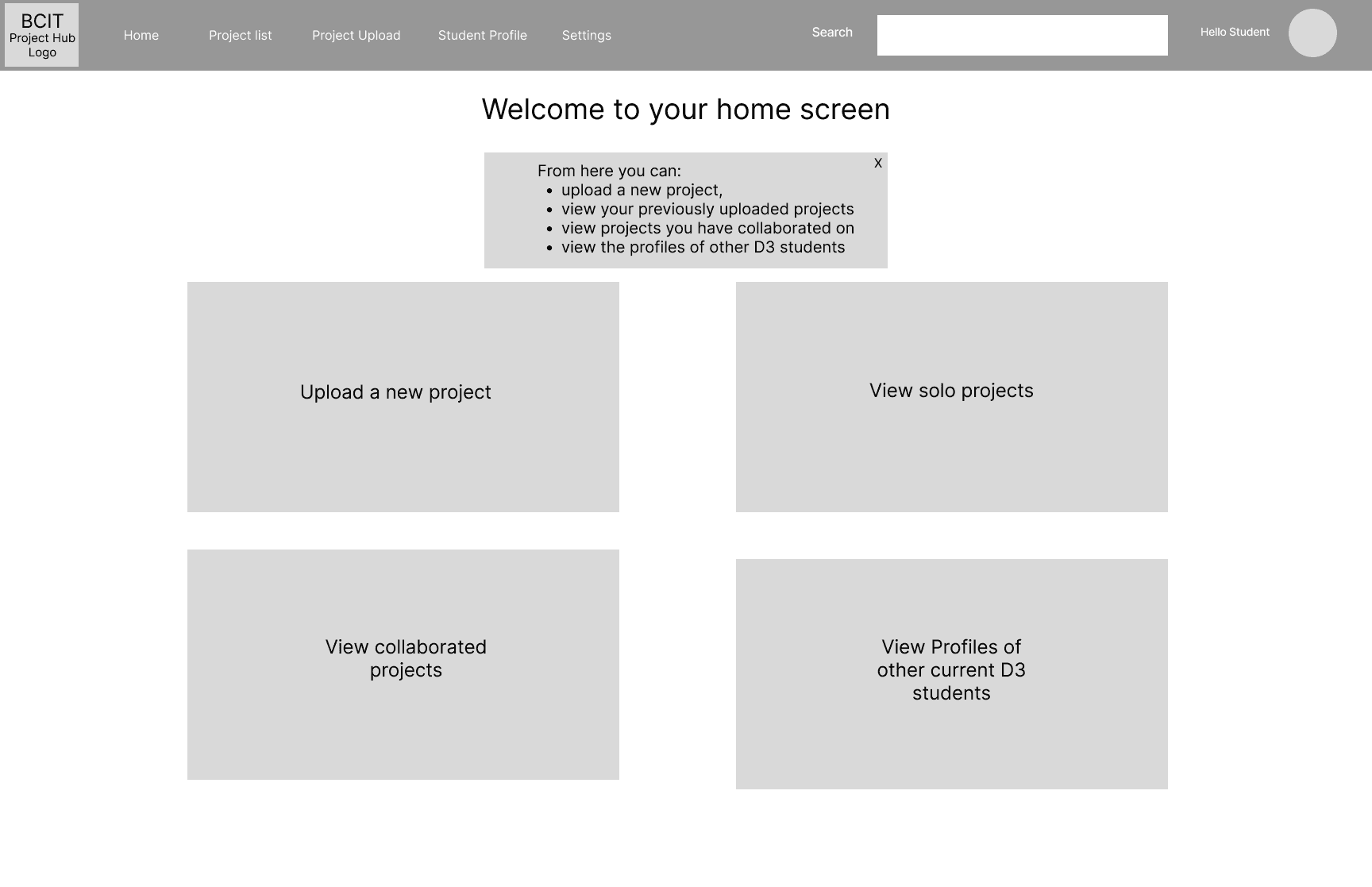
Wireframing was very helpful in forming the early iterations of the app's structure. I went through a few iterations for some of the desktop and mobile version's screens. I removed some features that I thought were redundant or unnecessary.
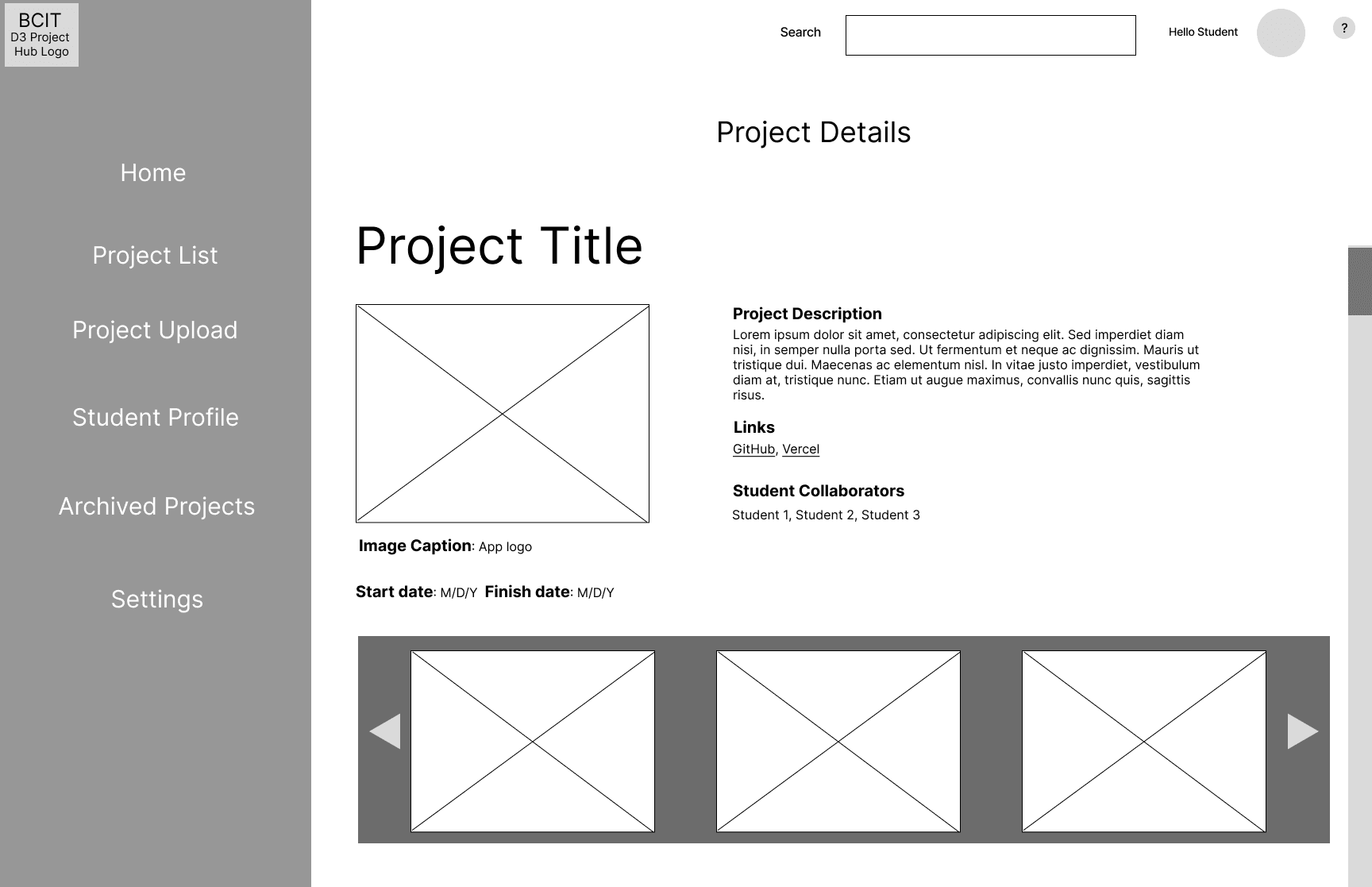
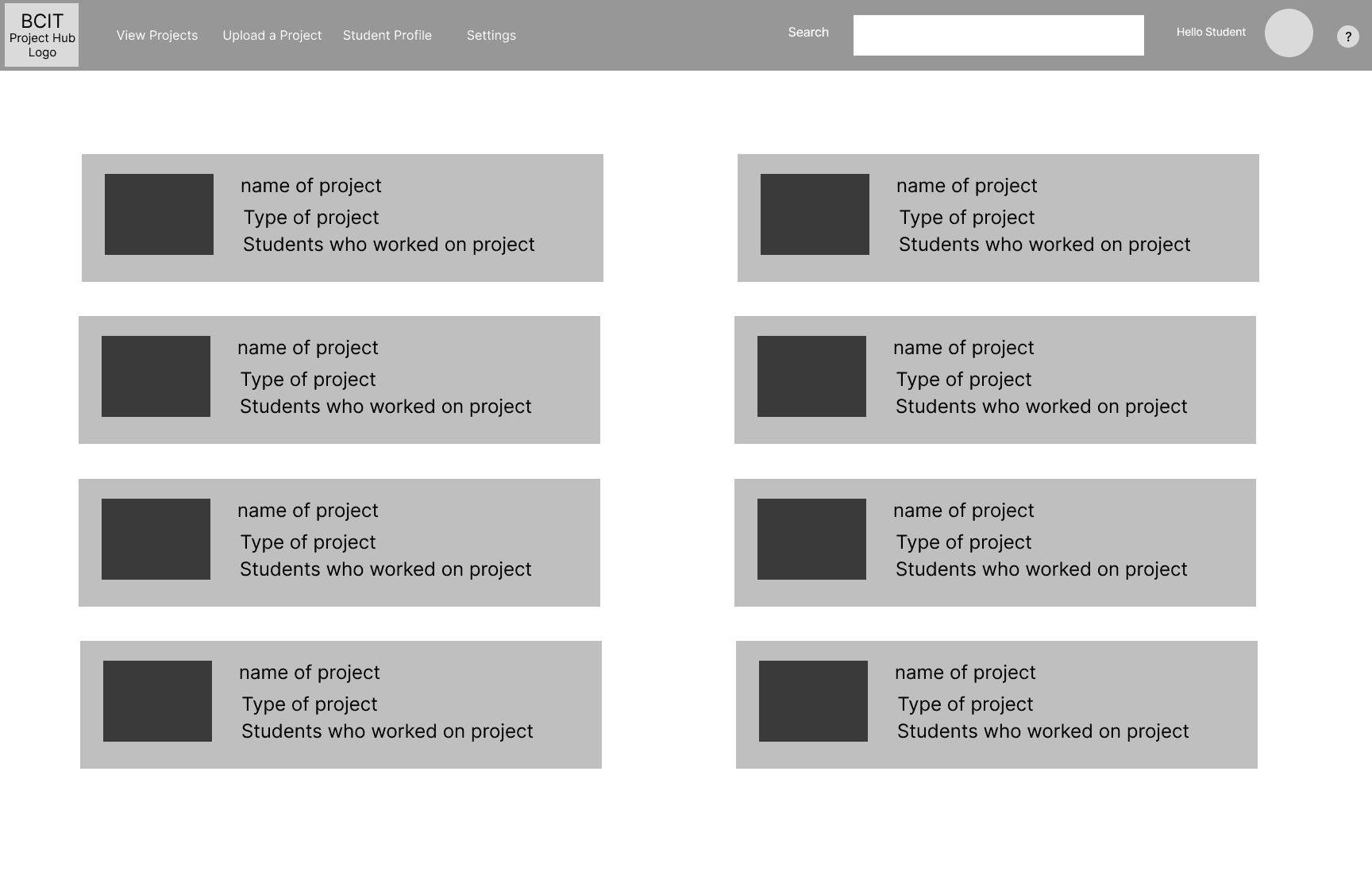
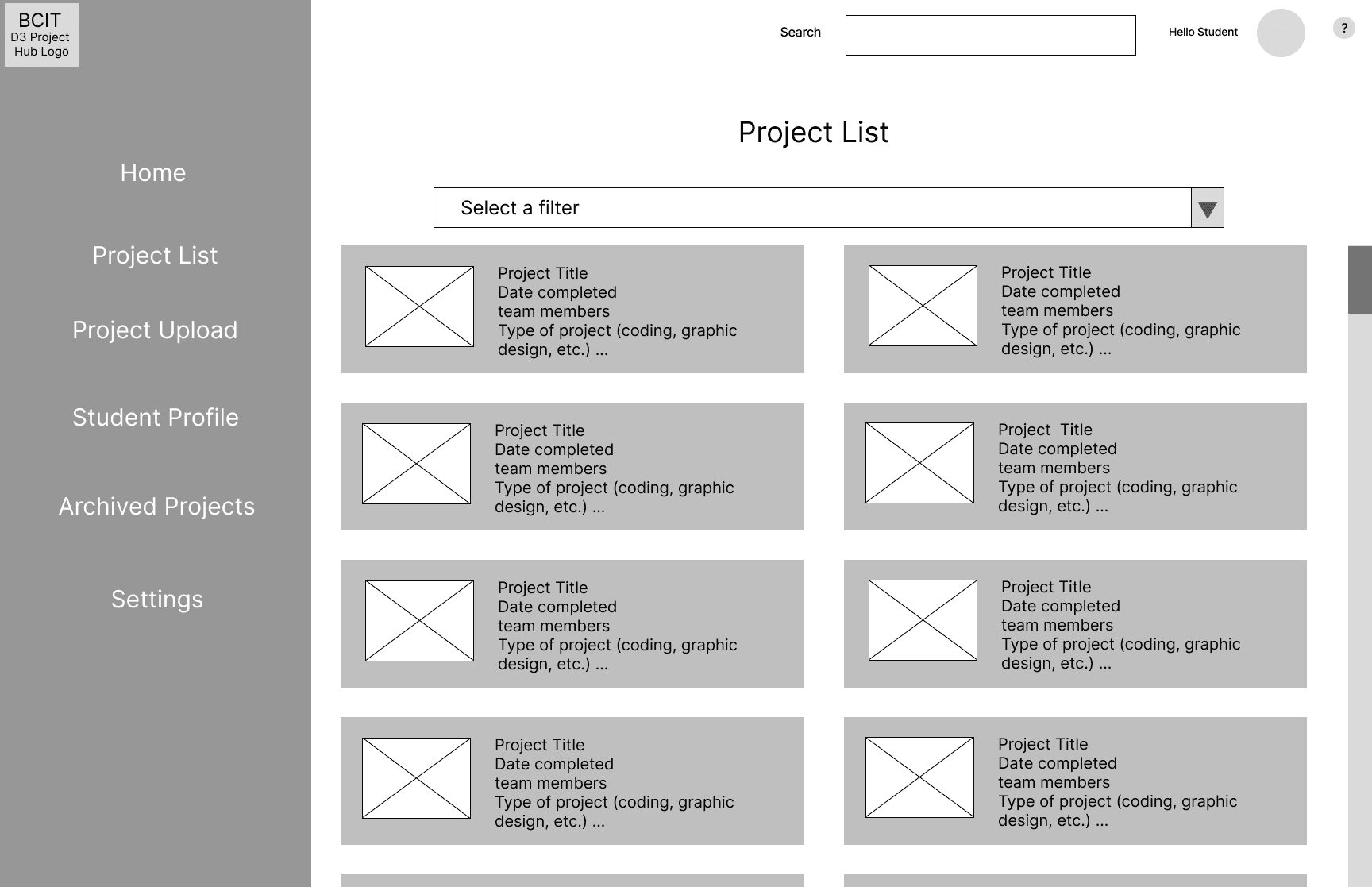
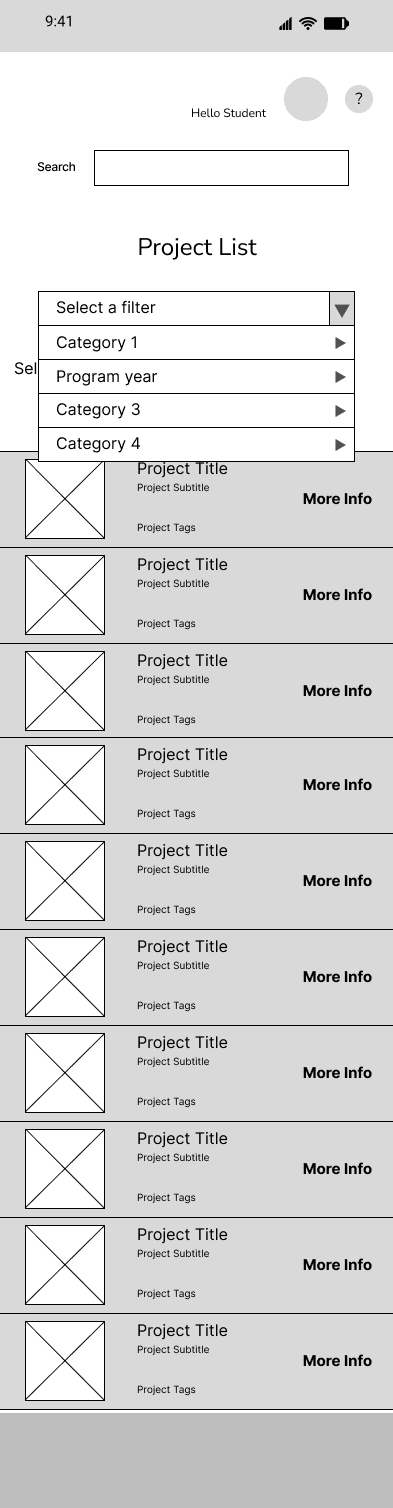
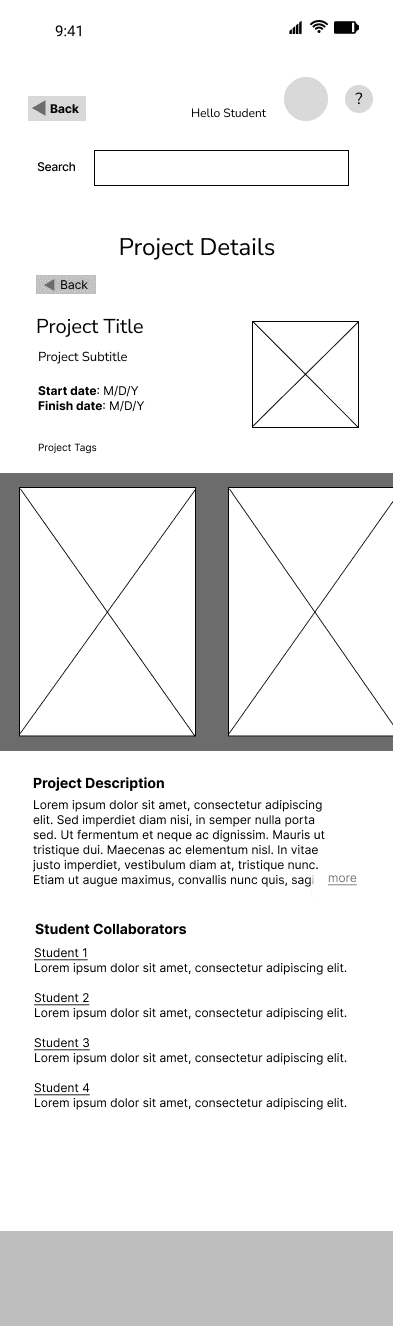
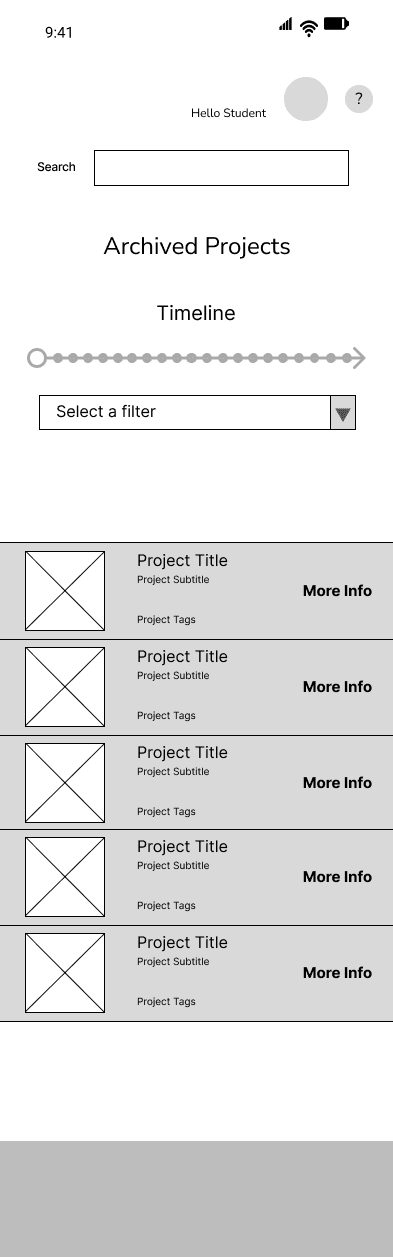
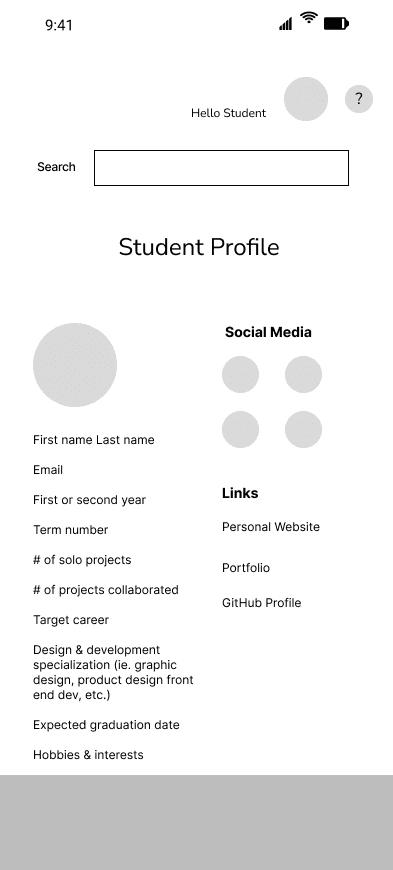
Removed and redundant features
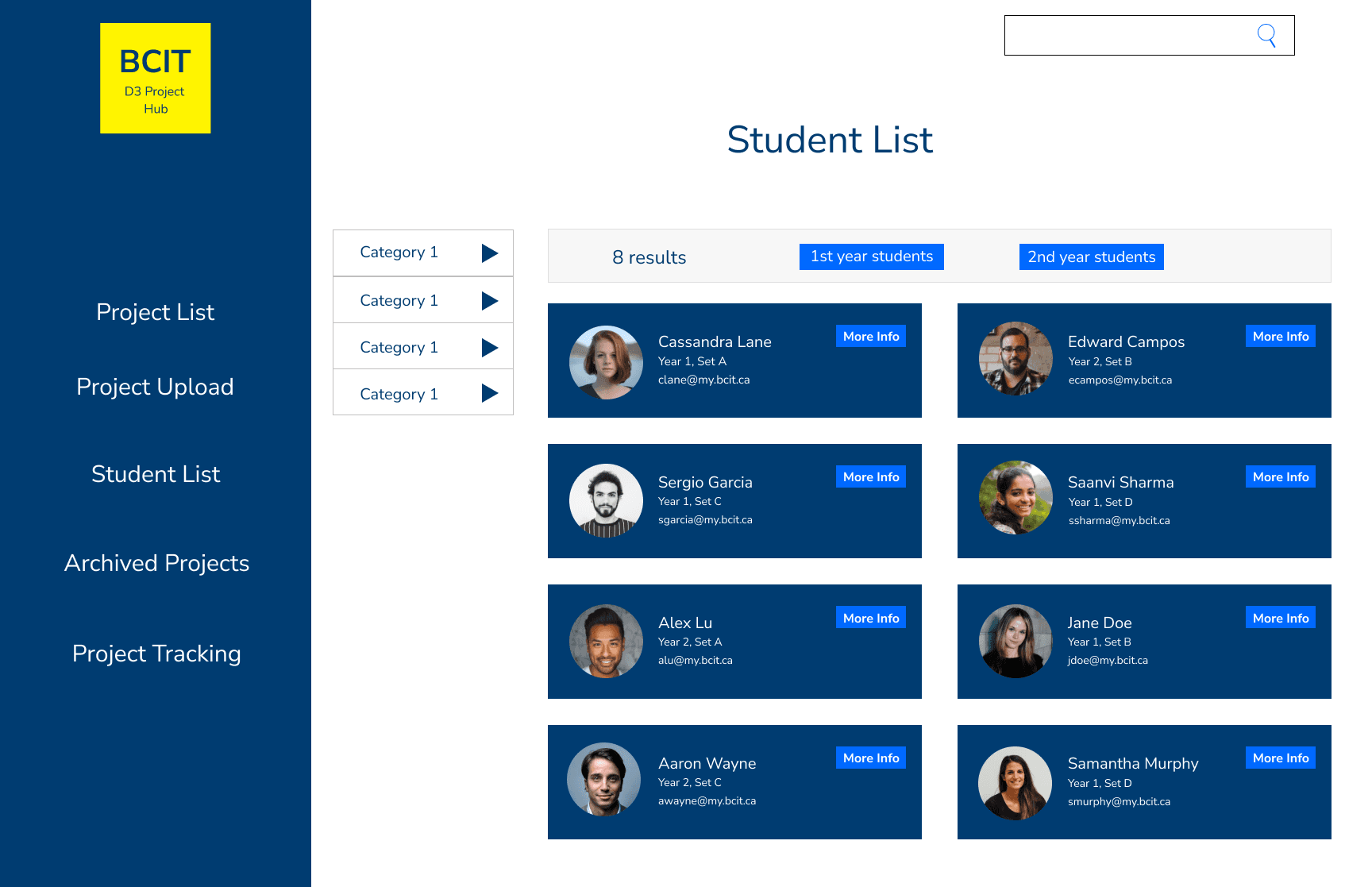
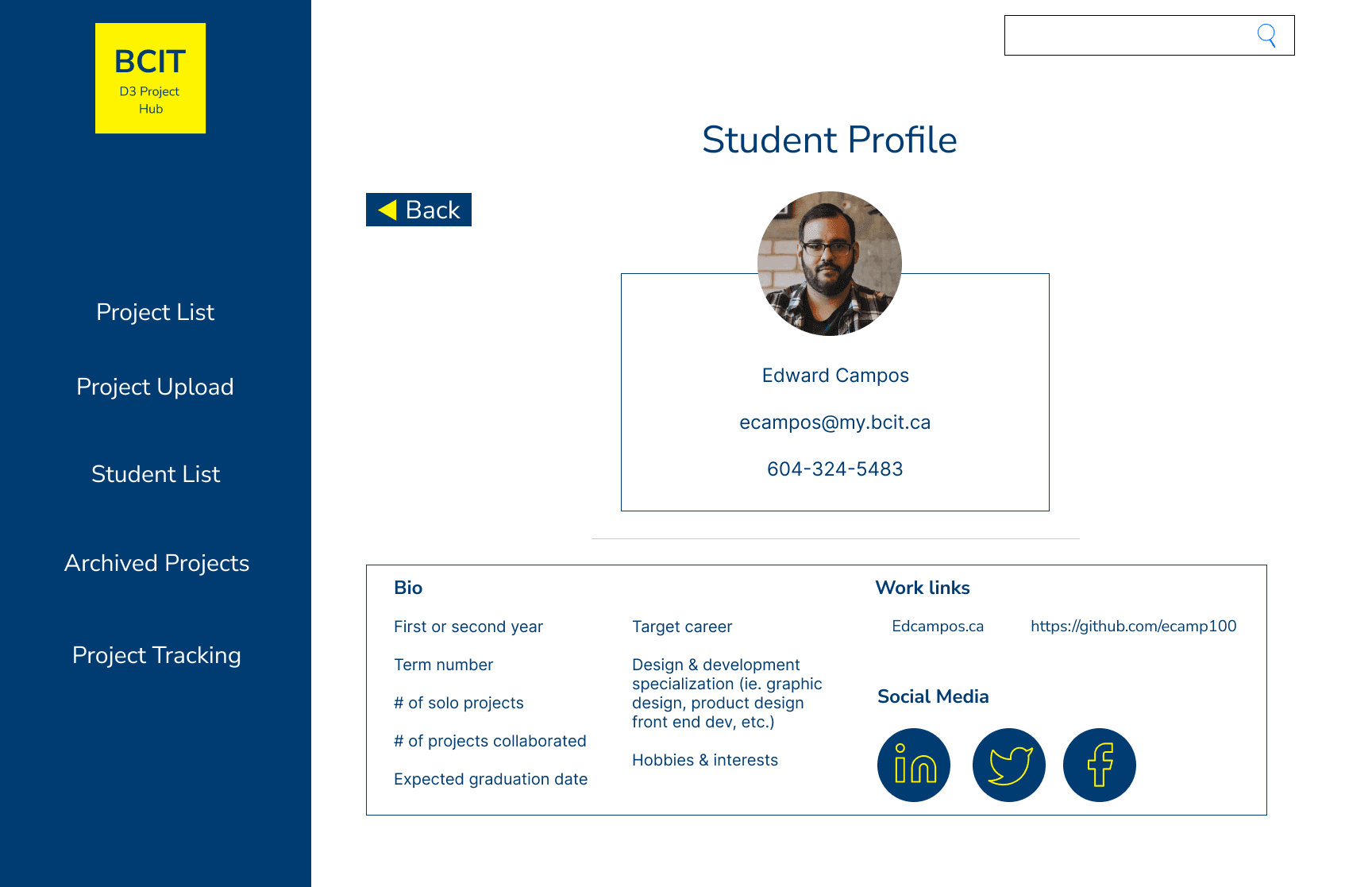
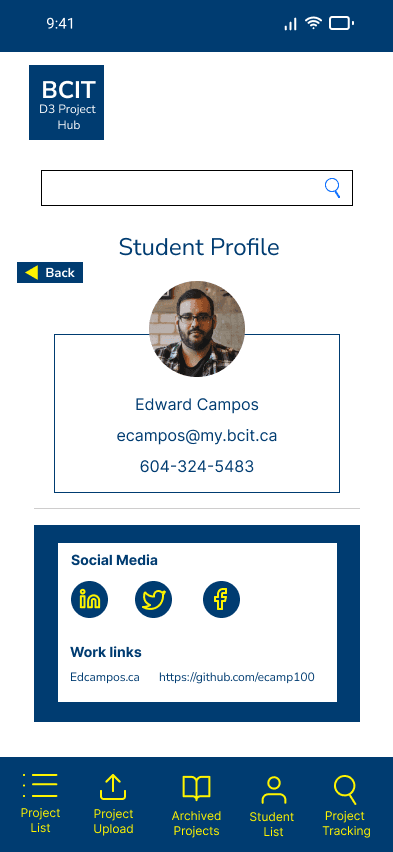
I merged the view solo projects and collaborative projects on the home screen into view projects. I removed the ability for students to view each other's profiles and projects. The purpose of the app would be for students to organize their own projects, not compare or socialize.
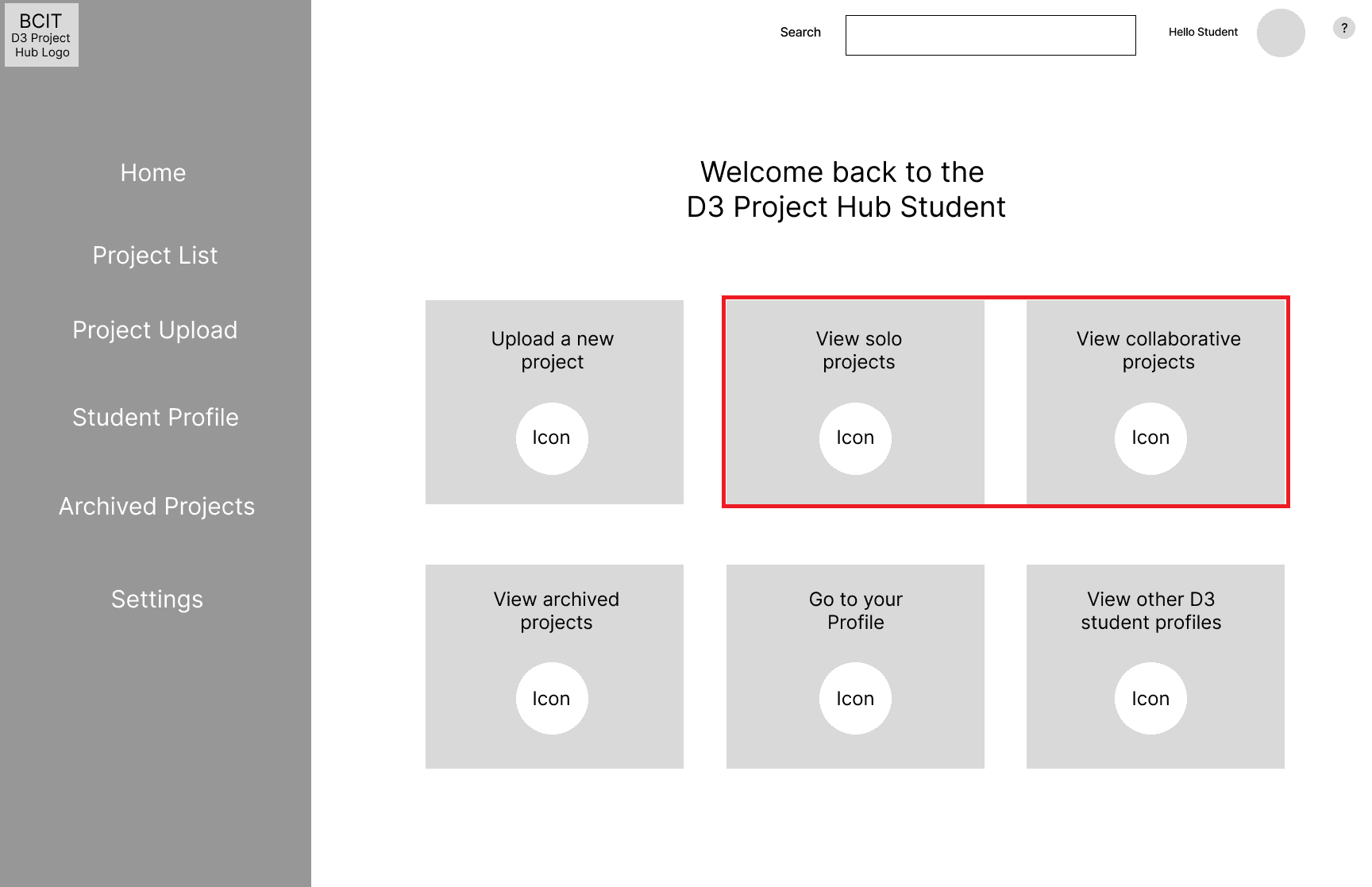
Students cannot upload projects on mobile. I felt that the feature isn't necessary for the mobile version. The process of uploading a project on mobile would be cumbersome and the majority of students would be more likely to be using the desktop version. This could be changed in future updates.
Core App Function
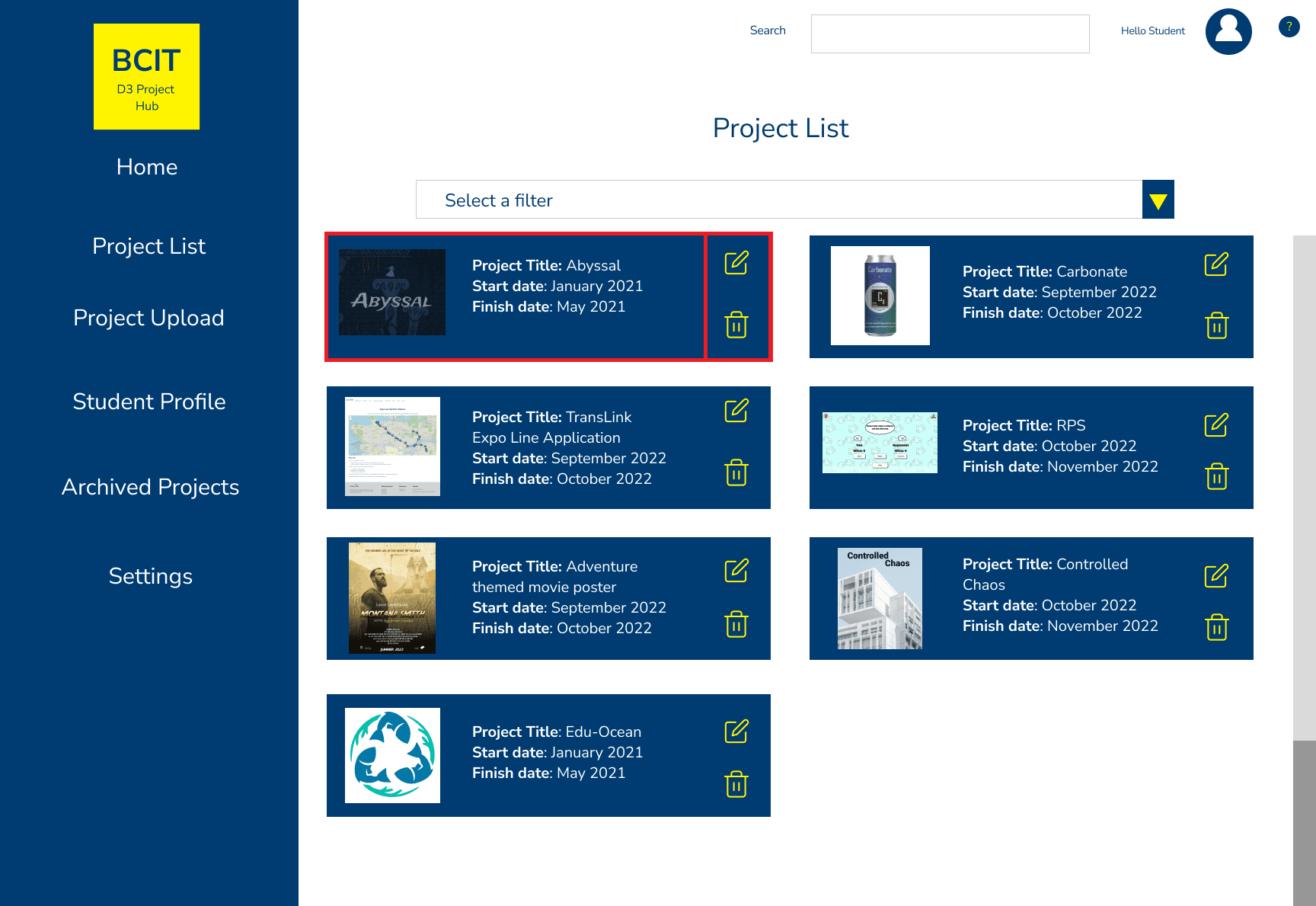
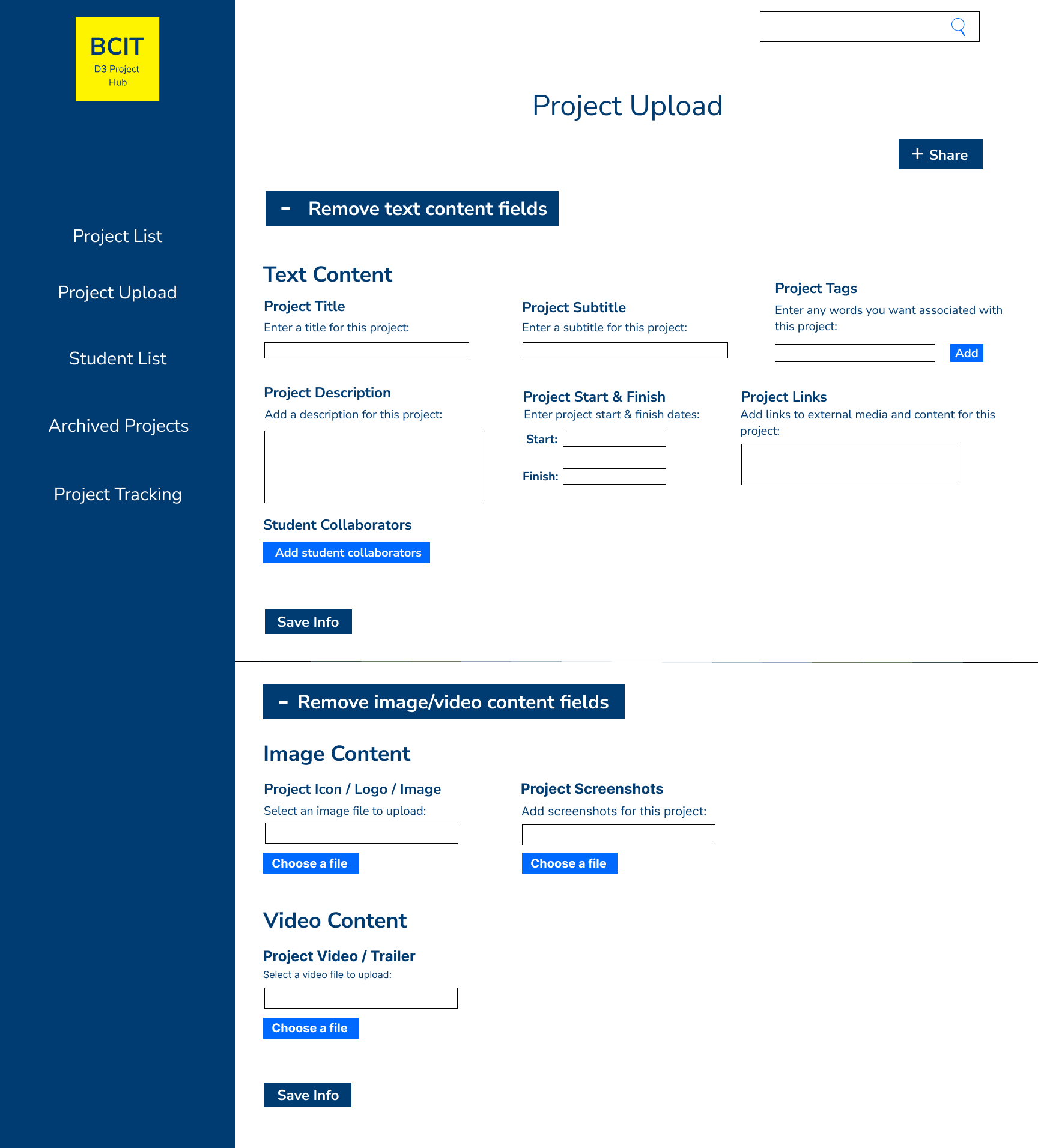
Uploading, Editing and Deleting Projects
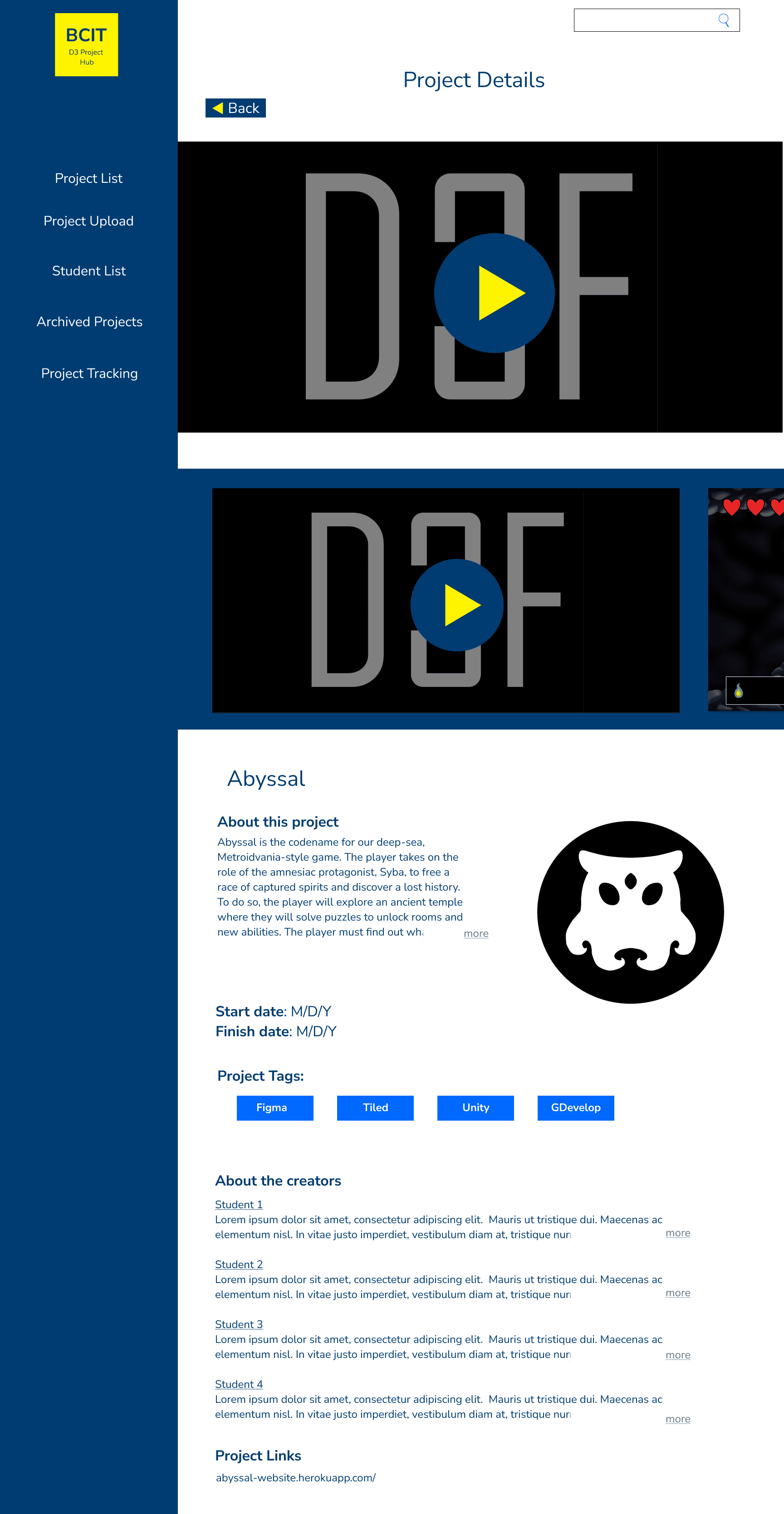
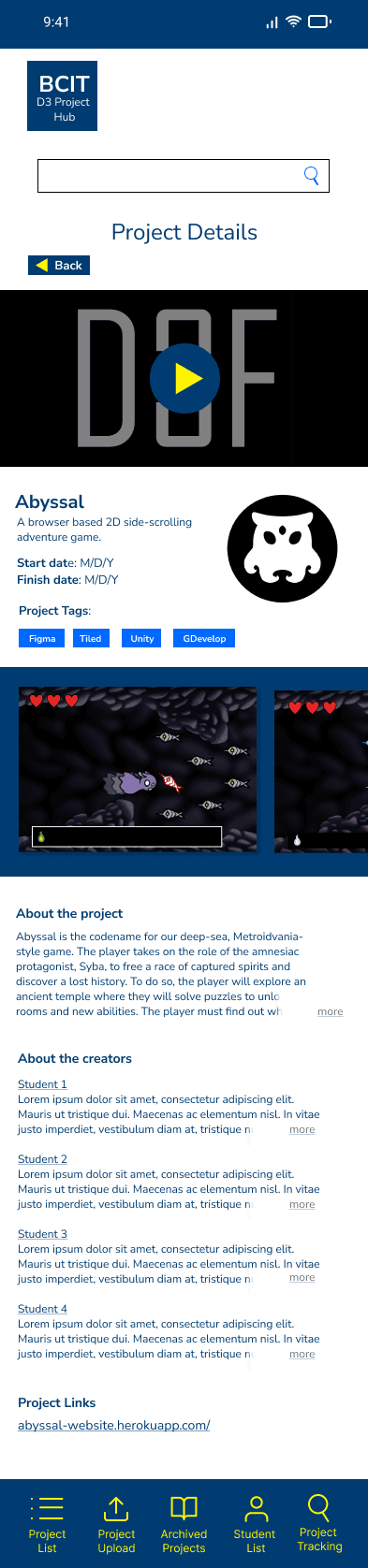
On desktop students can upload new project and edit and delete existing projects. Successfully uploading a project will send students to the project details screen. All the information they entered before will be displayed on the project details page.
Secondary App Function
Navigation
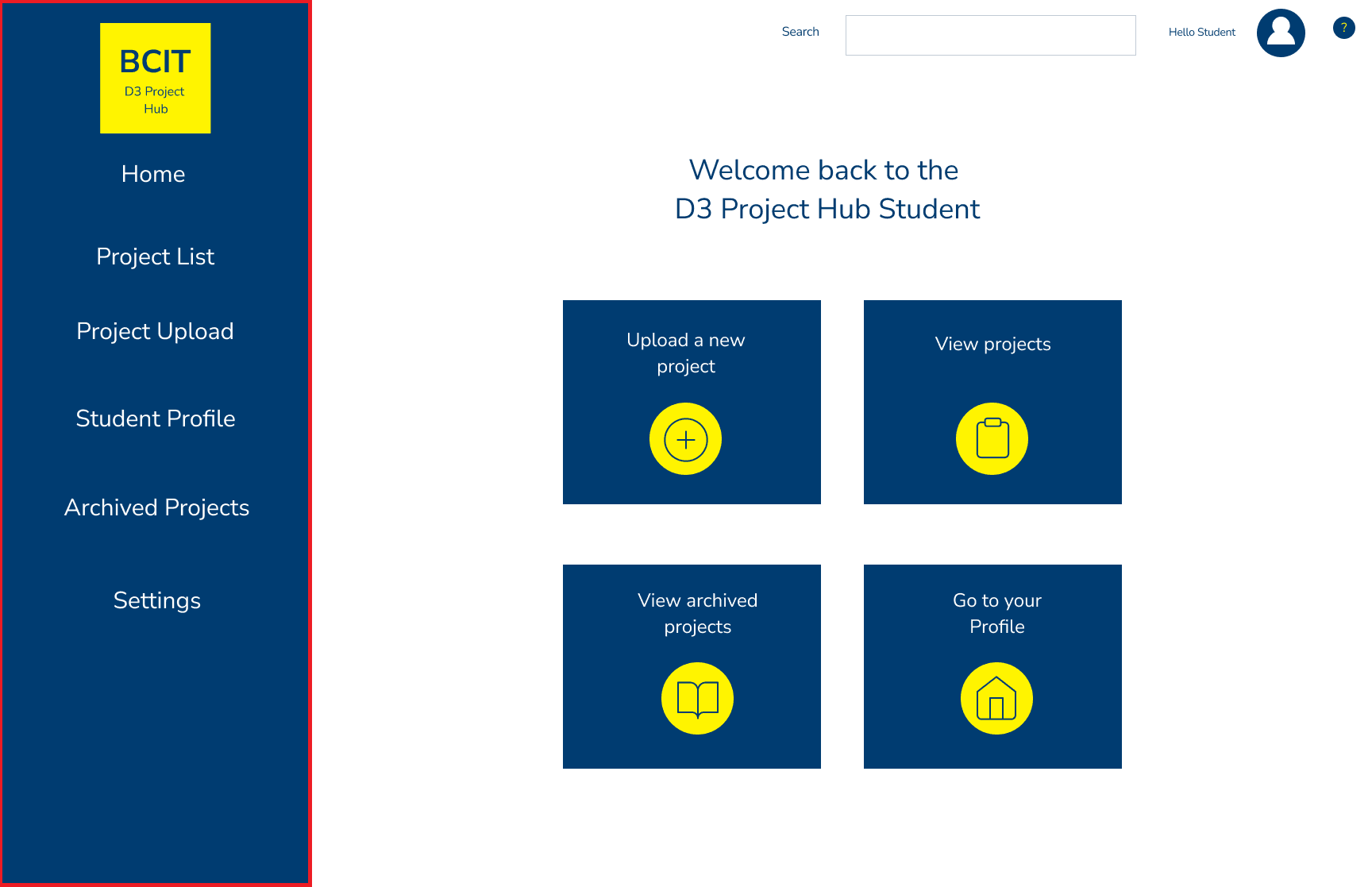
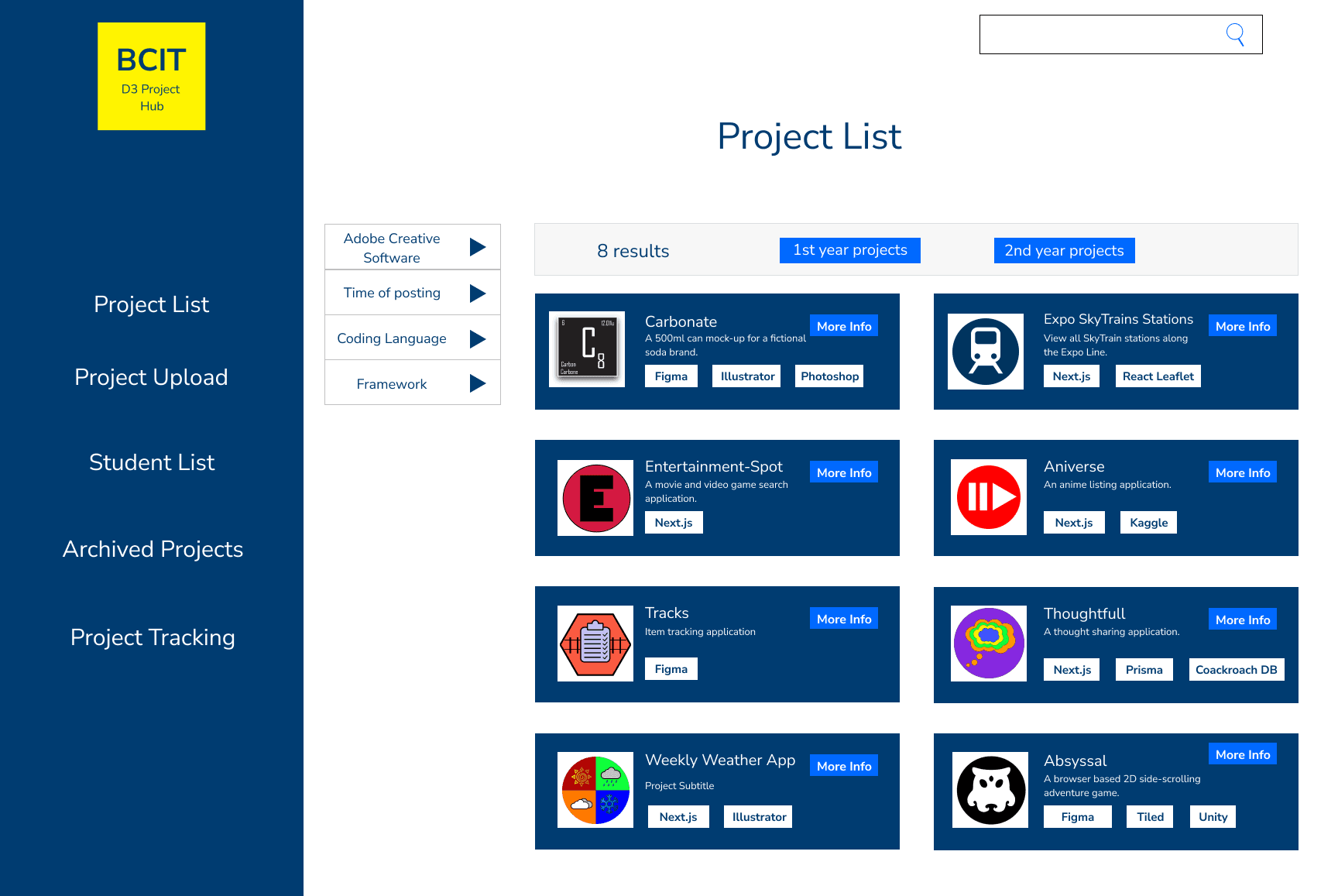
I changed the desktop navigation from the top nav to side nav. The top navigation began to feel a bit cluttered.
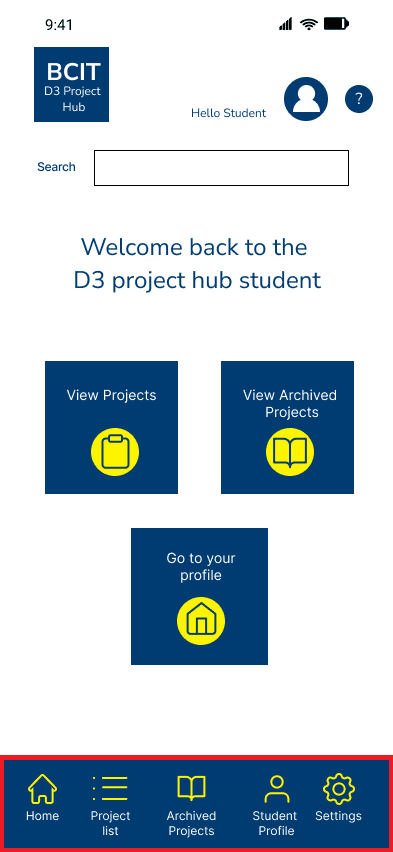
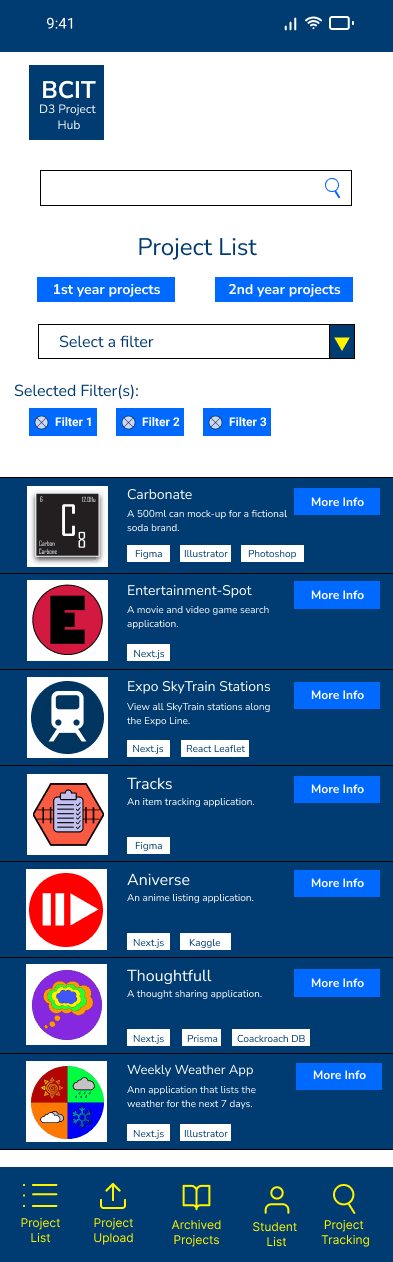
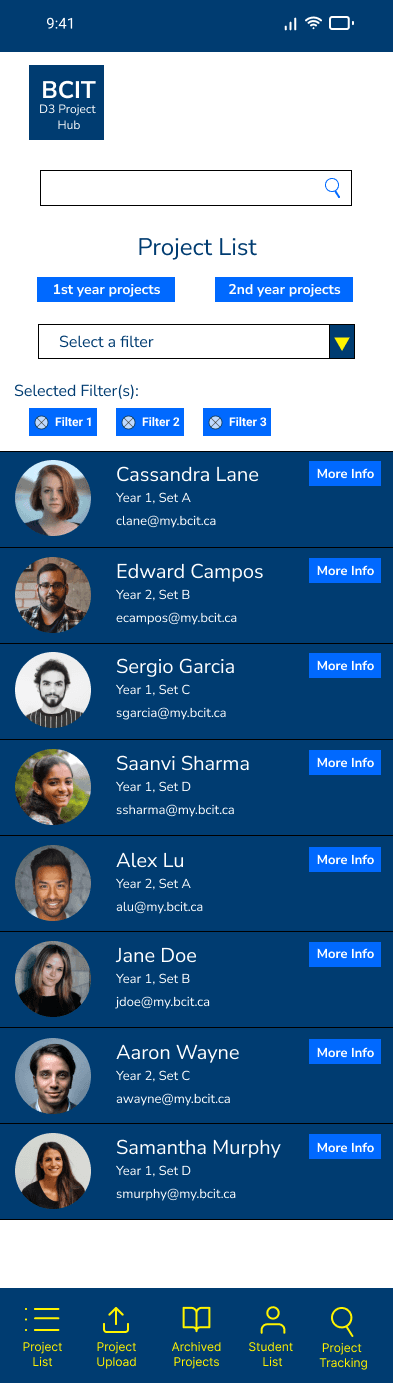
On mobile I used the common bottom navigation instead of the sandwich menu navigation. This is because all of the screens within the app can comfortably fit in the bottom mobile nav bar.
Archived Projects
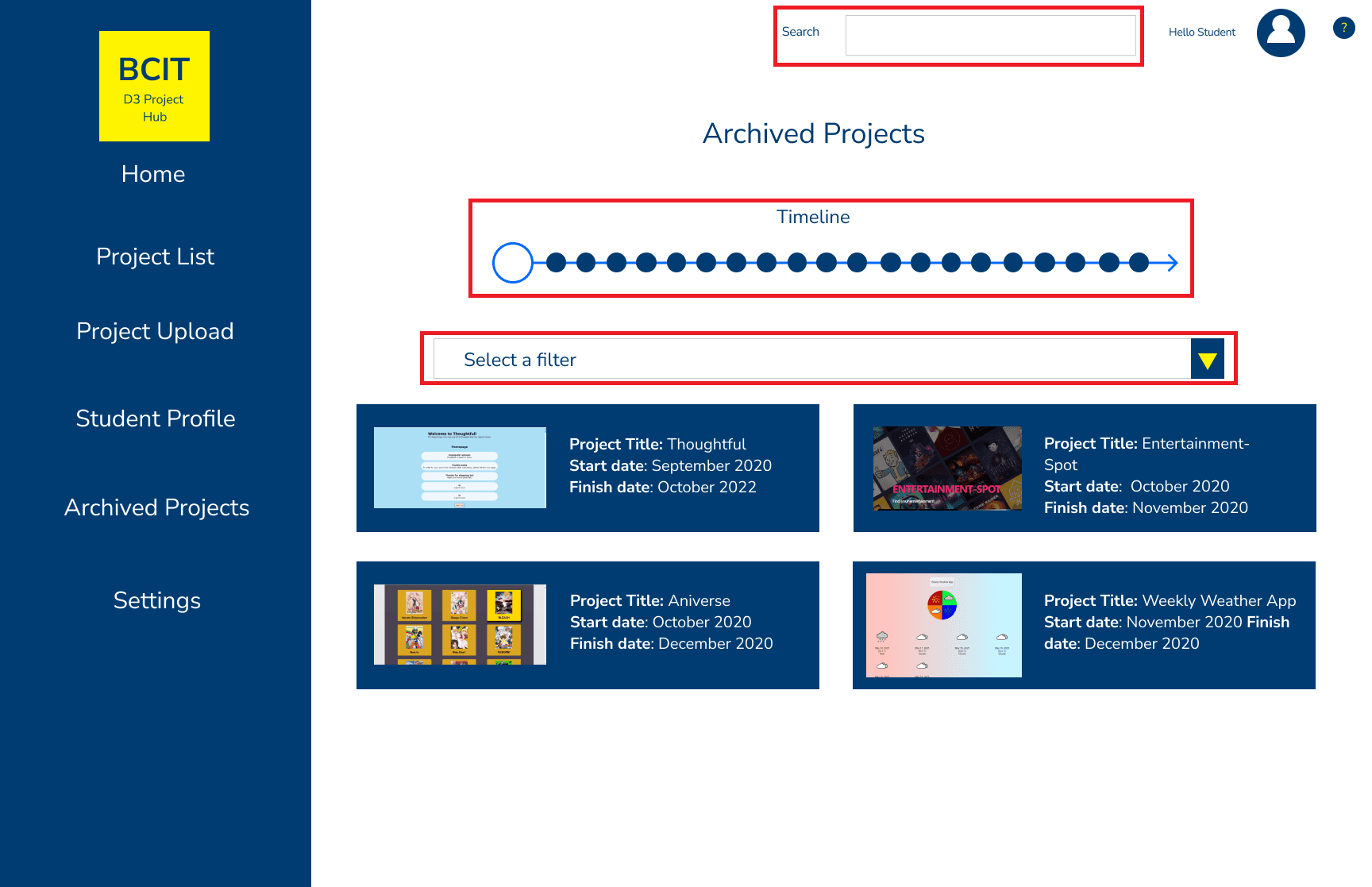
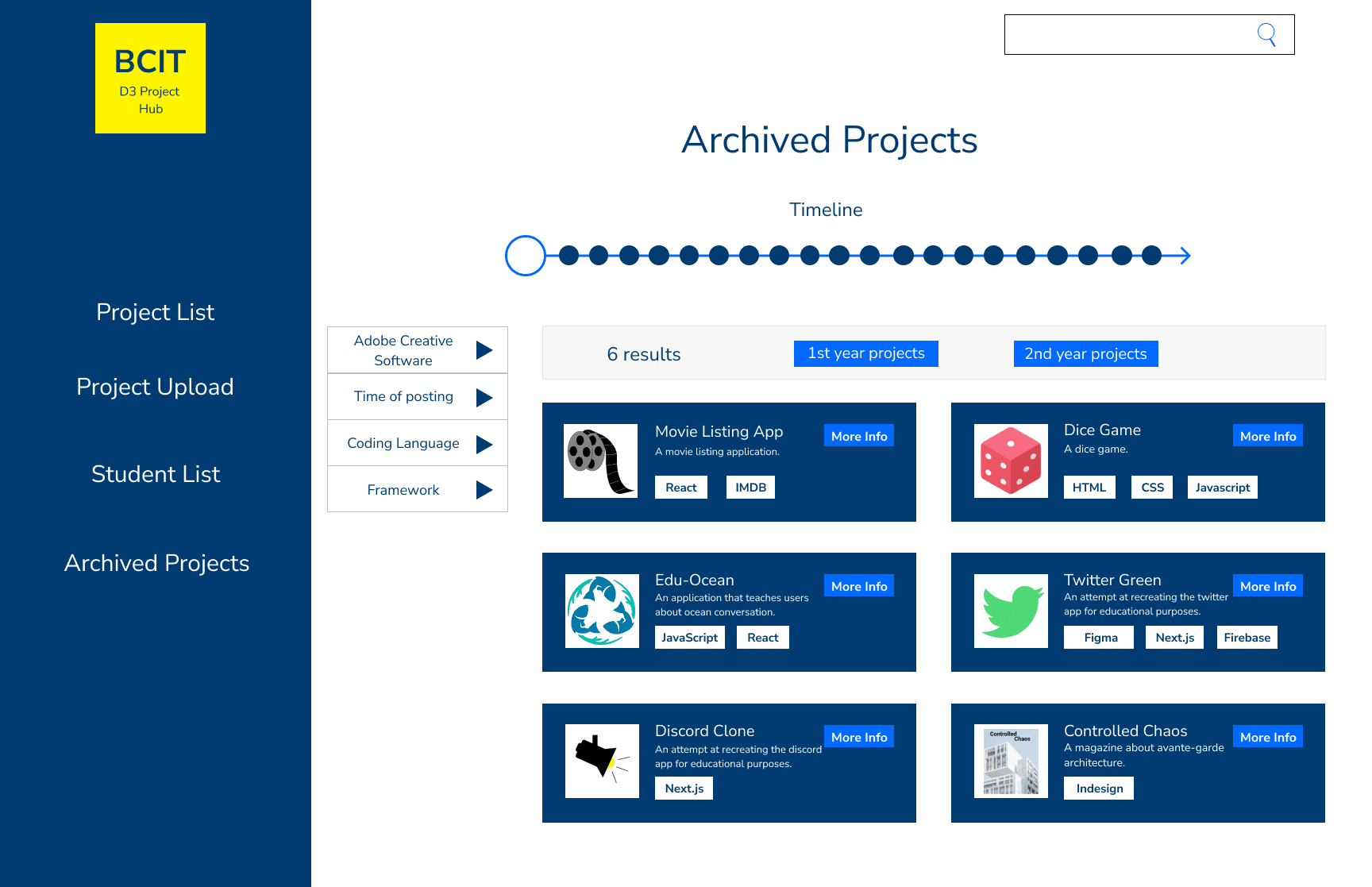
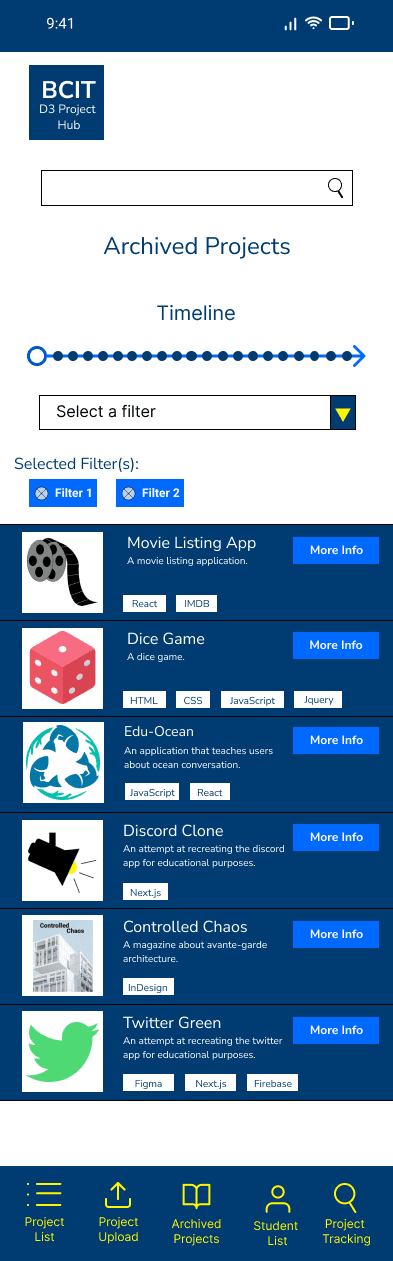
The archived project page is structured similarly to the projects lists page with the difference being the timeline feature. Every node on the timeline is a different year and would populate that screen's project list with projects from that year.
Filter Menu
Students can filter the projects that are displayed on the project list and project archive screens. Some of these options include solo projects, collaborative projects, graphic design, coding, etc. these tags would be set at the time of uploading the project so that they can be filtered through or searched for.
Search Function
The search function can be used to quickly navigate to a specific project or section of the application.
D3 Project Hub Final Mockups
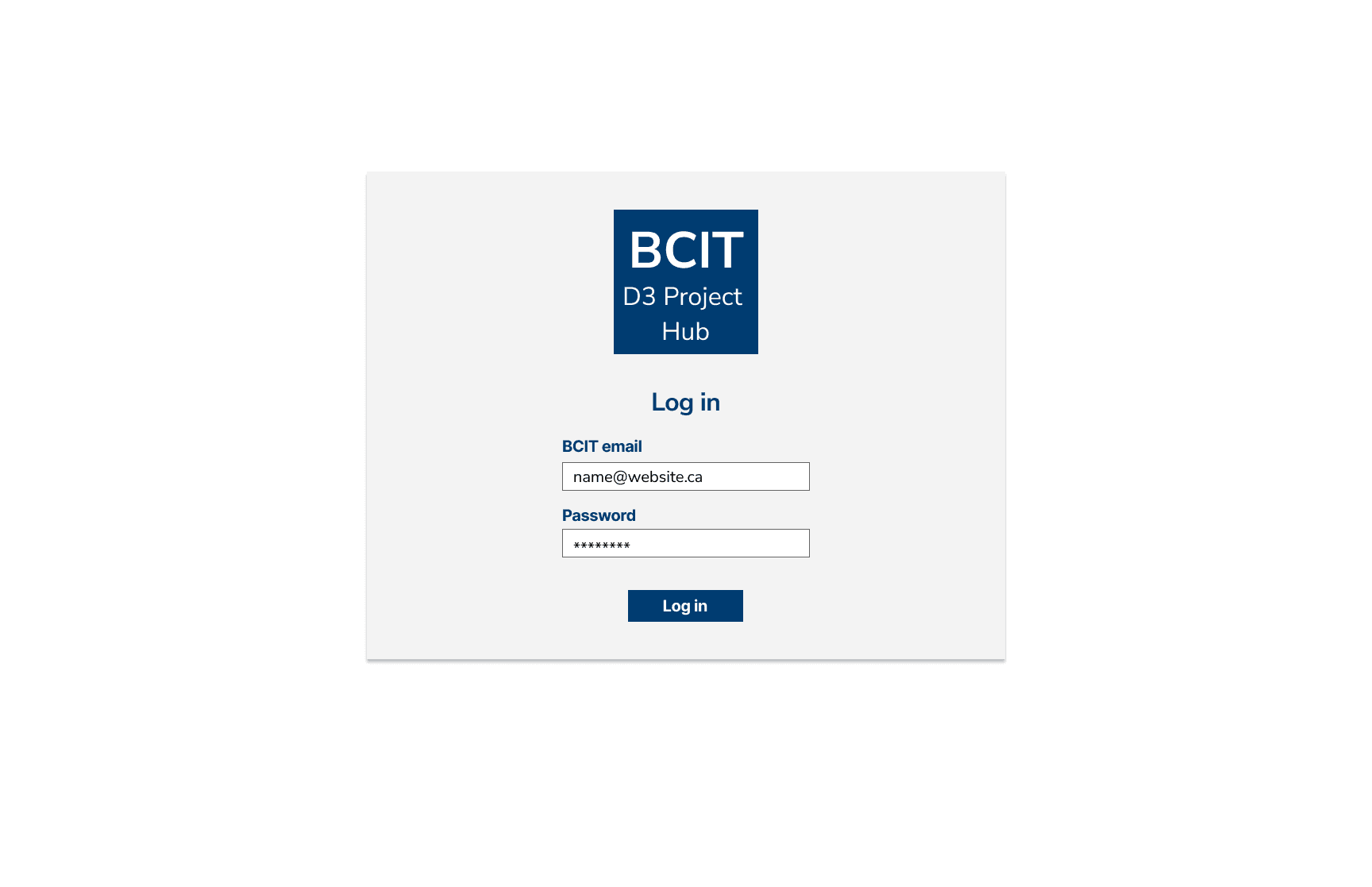
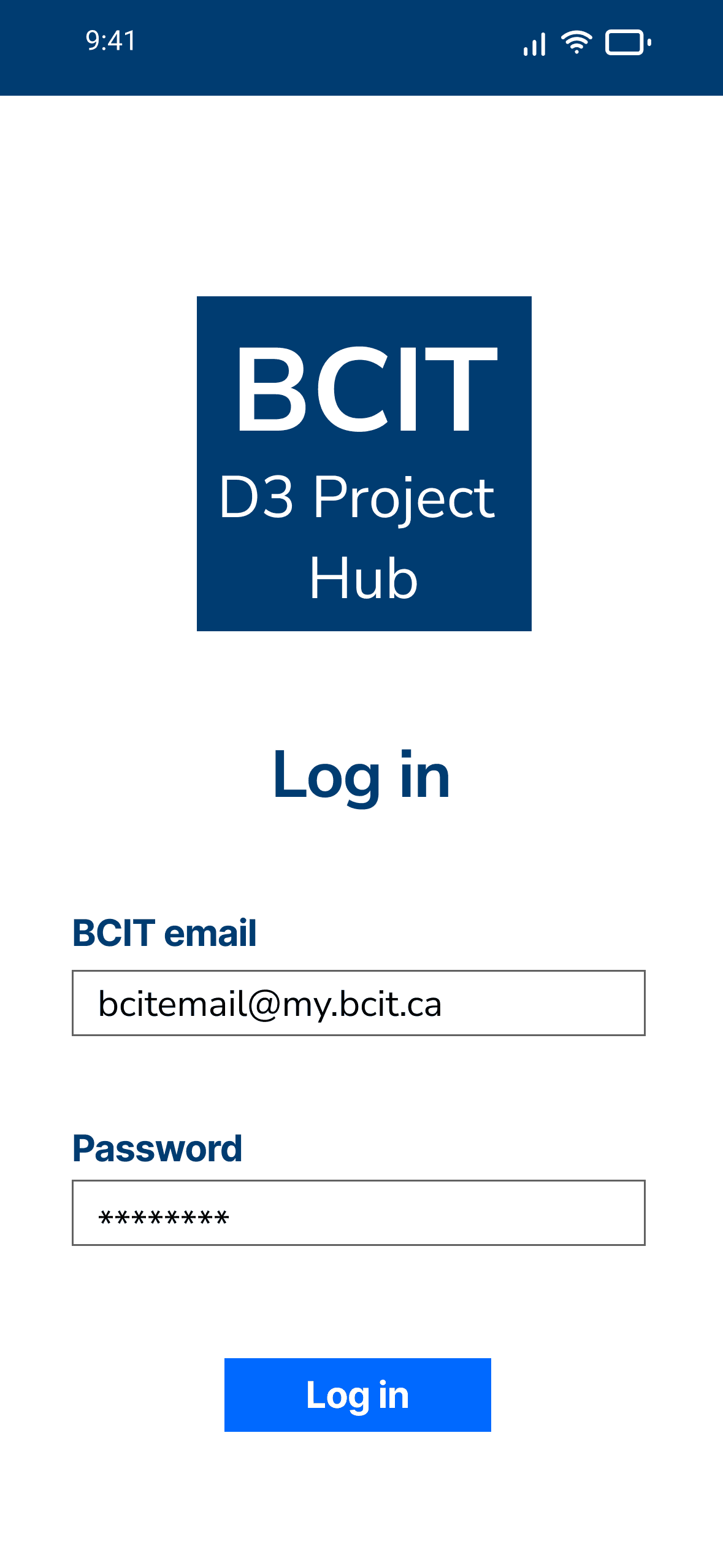
The final mockups for the D3 Project Hub's desktop and mobile version took the least amount of time from each stage of creation. The iterating through the wireframe designs made it so the structure was ready. Using the BCIT style guide made adding the colors, fonts and other design elements much simpler. There is room for refinement of the current content, more features to be added, and possible expansion to other programs if the demand is there.

Part 1: D3 Project Hub Results
My goal from the beginning was to create a mockup for an intuitive web application that would allow D3 students to organize their projects. I believe that the result of this project means I have reached that goal. There is plenty of room for this result to be refined, remixed and reinvented. For the time being I believe the main objective has been achieved with this mockup.
If I were to approach this project again, I would make heavier use of rapid prototyping. I find that it is helpful because it forces creation with a short deadline. This forces me to let go of any ideas of perfection and to just create.
I would spend more time during the earlier stages of ideation and wireframing figuring out what items are used a lot and turning them into components.
I also didn't use the BCIT yellow #FFF400 as much as I wanted. I was surprised to see that it was one of BCIT's brand colors, which shows how sparingly it's used in BCIT's branding. So I wanted to use it more in this project.
Part 2: BCIT Project Hub
The purpose of the BCIT Project Hub is to build upon the D3 Project Hub and make it applicable to other programs. The framework of the application is very similar, but with the addition of some features.
The added features include:
- Project Groups
- Guest Access
Project Groups
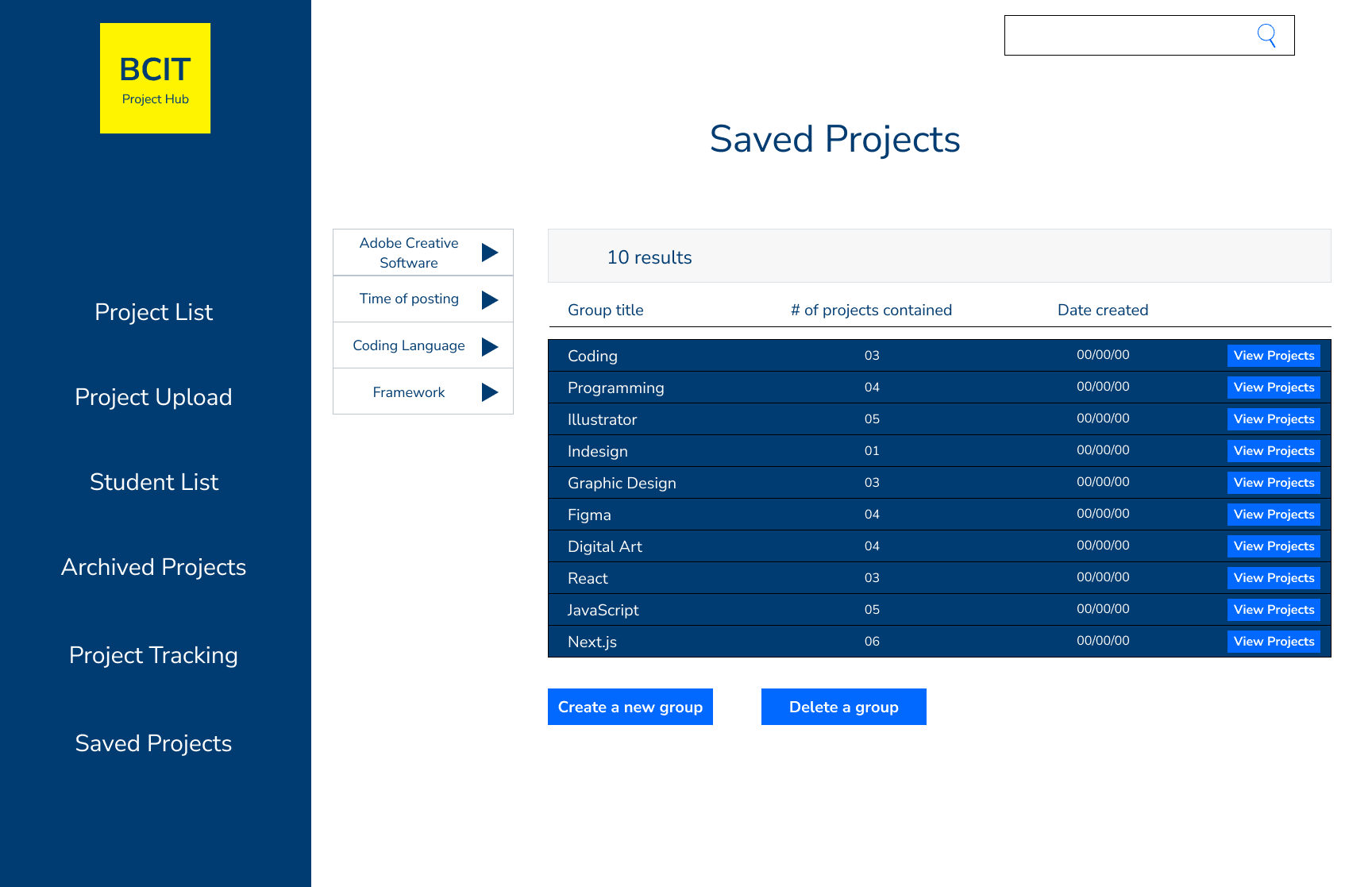
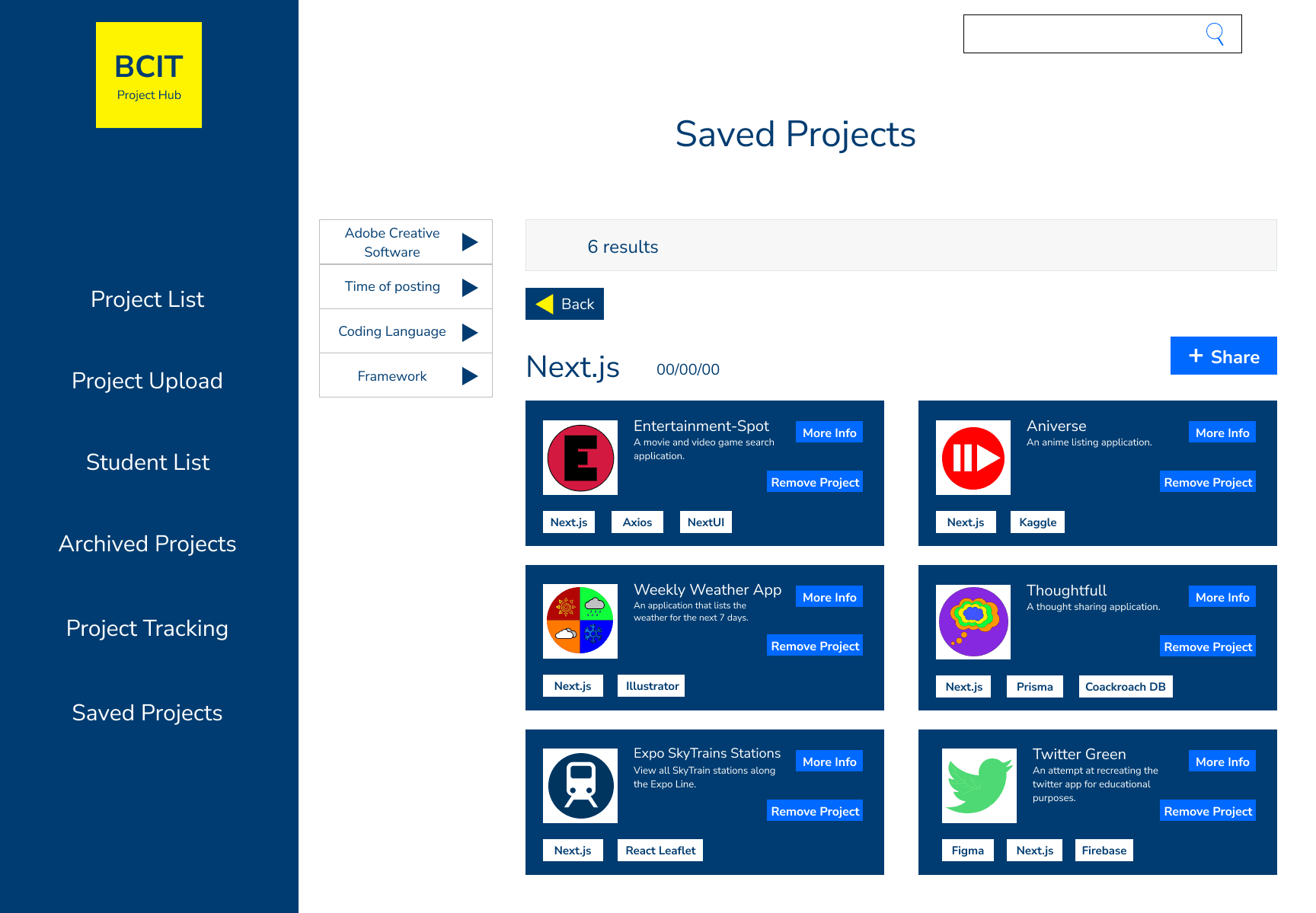
With the D3 project hub users could search for particular projects and filter through the results. Users were not able to save the projects that interested them and would have to search for them again later.
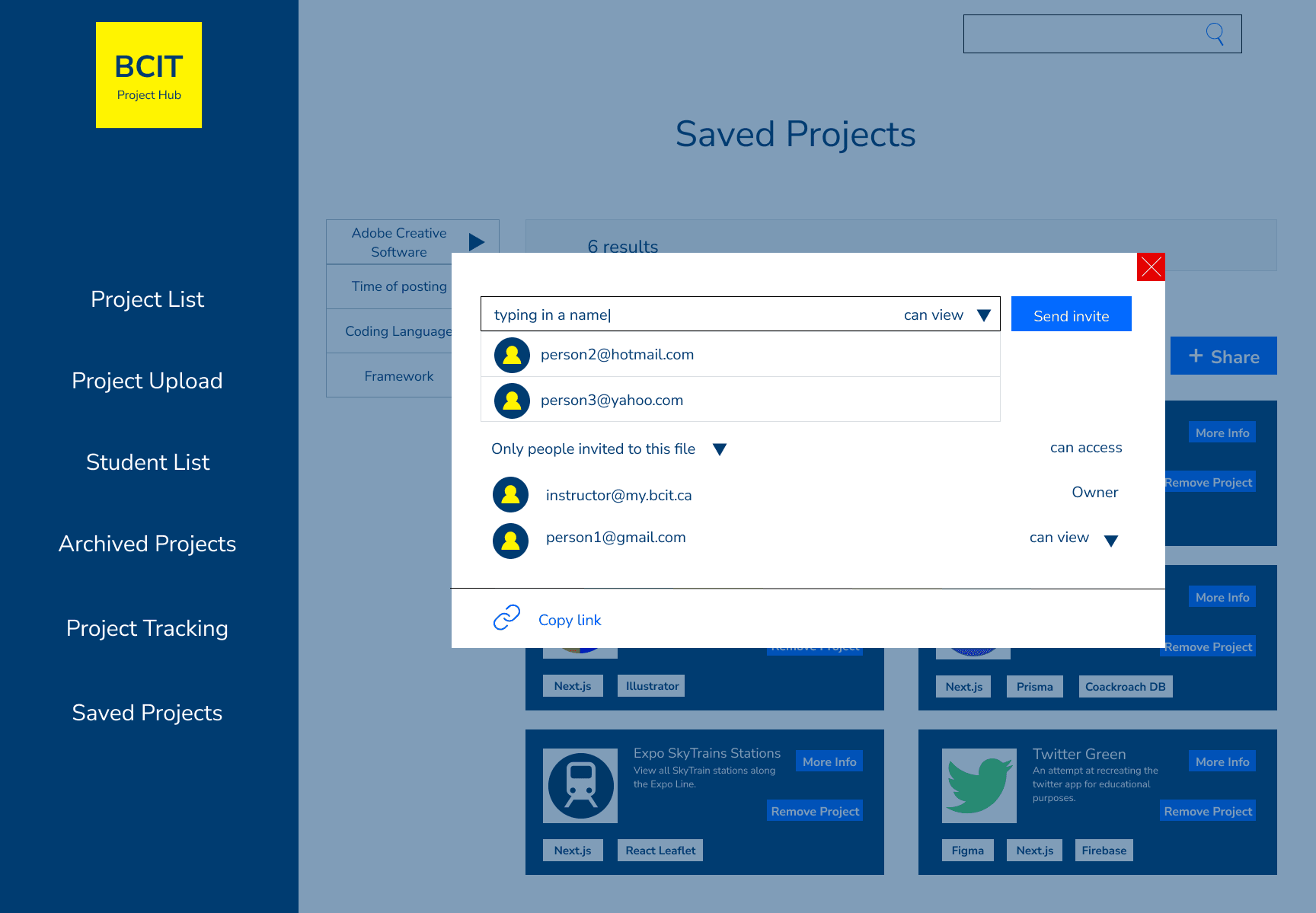
Project Groups allow users to save projects in a collection of similar projects. They can name the groups and create links to them. This can help students organize their projects in accordance to the tools used to create them and themes they share. Instructors can take the project groups and create links to them that can be accessed by viewers outside of BCIT. This leads into the next feature.
Guest Access
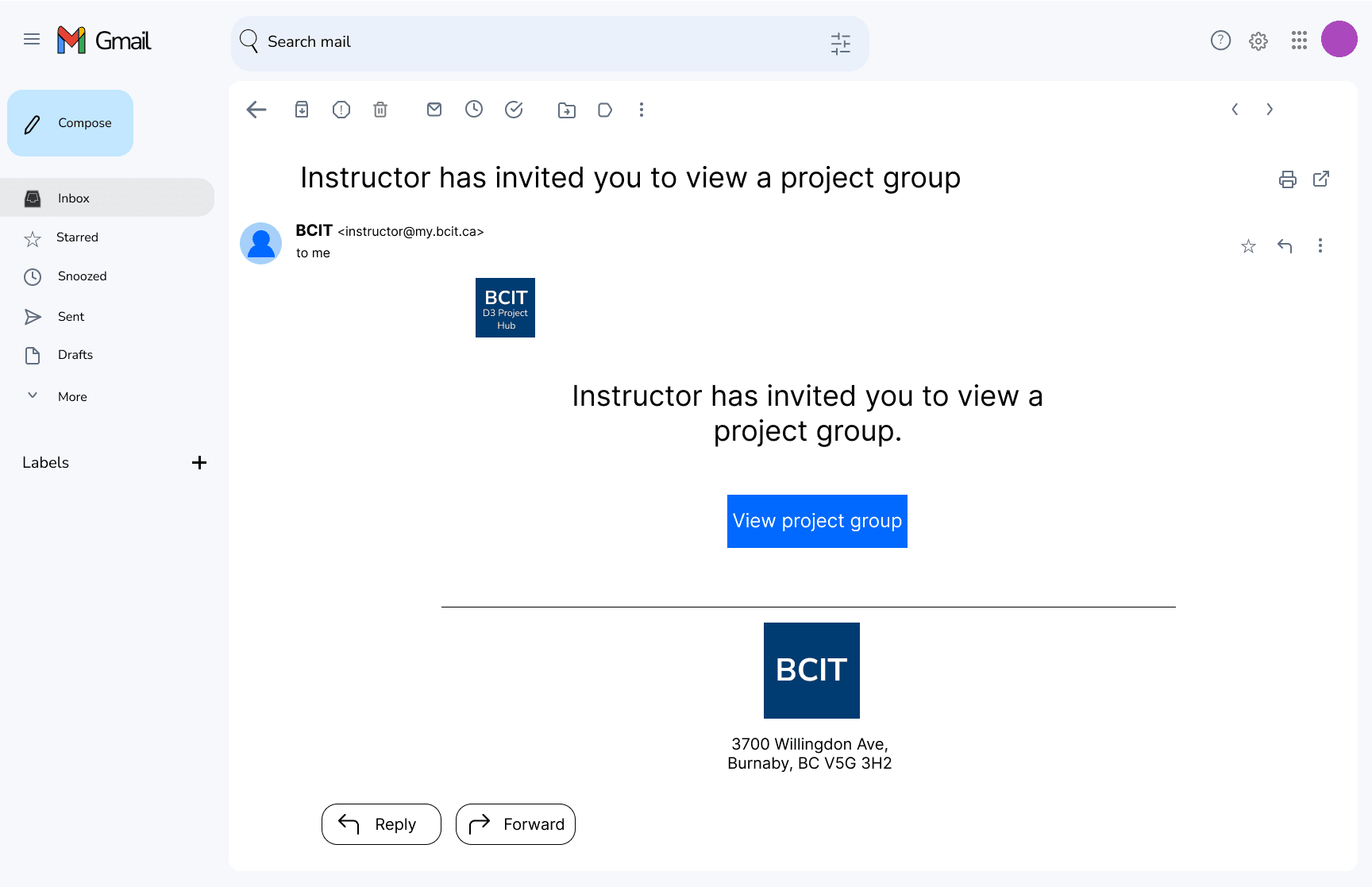
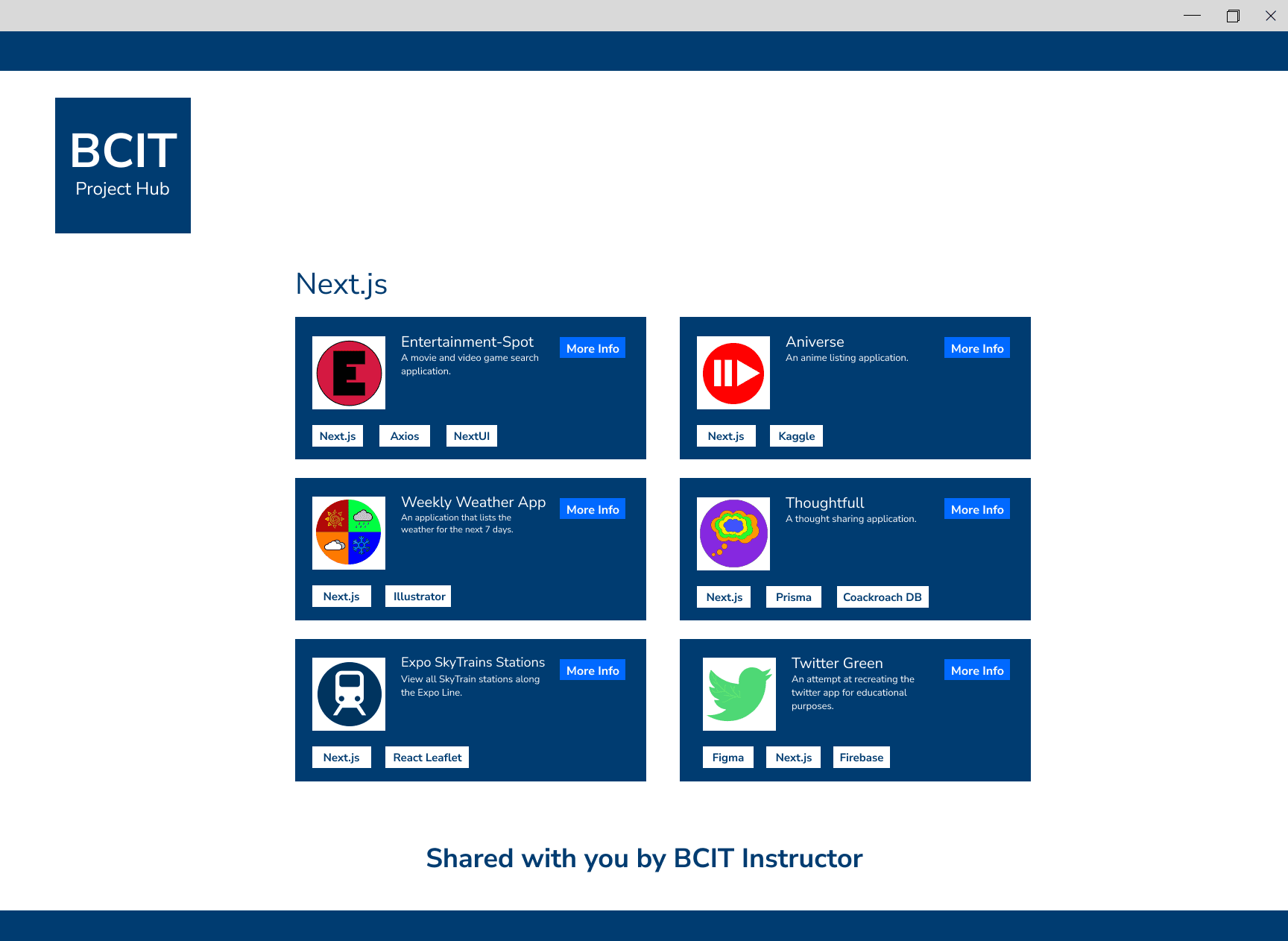
The D3 Project Hub and the BCIT Project Hub would not normally be accessible to the public. However, Instructors would now be able to send an invitational link to parties outside of BCIT.
An example of this would be if a local highschool was interested in the programs BCIT offers. A program head could send an email showcasing various project groups to a contact at the highschool. The interested party would be able to view the specific projects contained within the project groups attached to the email. They would be able to get a closer look at the end results of the skills being taught within that program in a curated manner.
Lessons Learned
This was my first large solo ui/ux design project. My design process was much more organized and methodical than my previous projects. I felt that I was able to create better designs in a shorter period of time.
I learned a lot from this project and some of my main takeaways would be:
- Create a wireframe for every screen before trying to add details.
- It's okay to stray from the style guide sometimes.
- Not all home screens or landing pages will have a common appearance.
Thank you for reading.