Project Overview
My Role: Ui/UX Designer and front-end developer in a group of 4 students.
Project Duration: January 2021 - May 2021 (14 weeks)
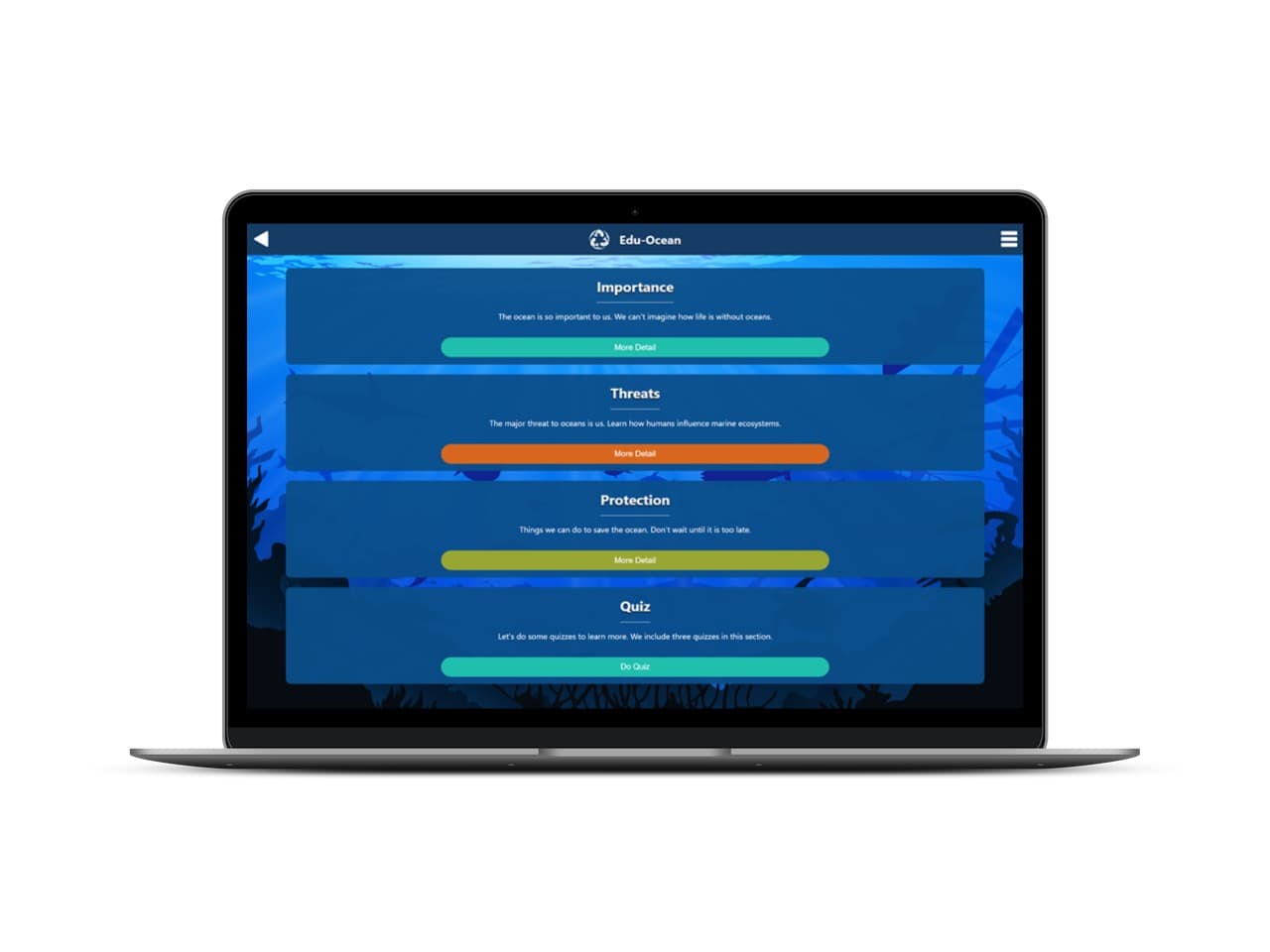
Edu-Ocean is an educational web application. It seeks to educate users about the threats to the ocean and what they can do to help protect it.
Problem
The ocean is an essential element to supporting life on Earth. Many people are not aware of the threats that the ocean faces today.
Solution
Edu-Ocean provides a quick and easy way for users of all ages to learn about ocean conservation. This application is easy to interact with and provides information in a concise manner. The quiz provides a way for users to see how much of the newly acquired knowledge they have retained.
Ideation
Each team member came up with a single web app idea that was related to one of three topics. The topics we could choose from were sustainability, climate change and social issues. We decided to go with focus on the topic of sustainability. The app idea that came out on top was a web app that educates users about ocean sustainability.
We voted on a name from four top picks including:
- Educasea
- Ocean Informed
- Speak 4 the Seas
- Edu-Ocean
The other names didn't feel memorable or catchy enough.
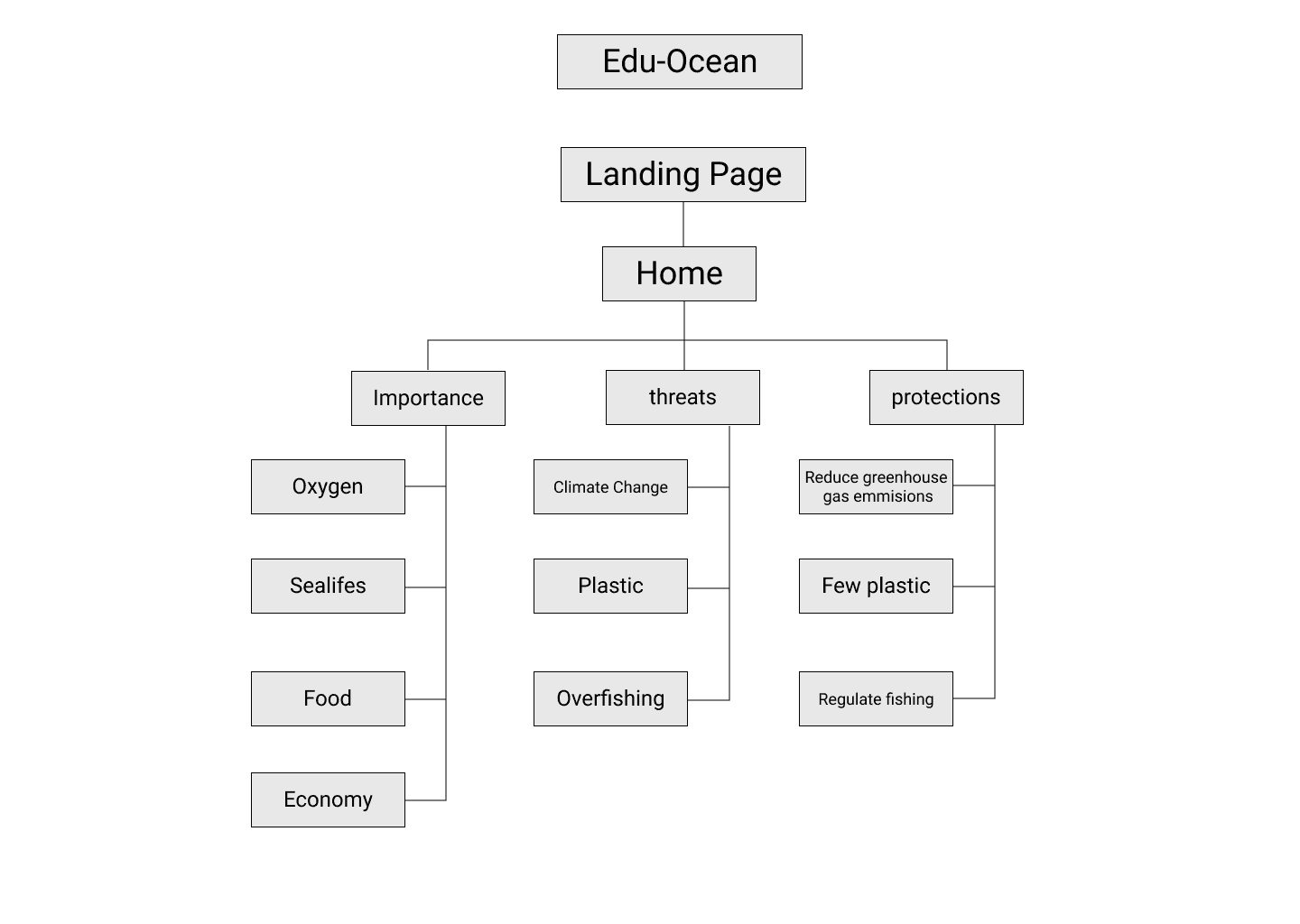
I created a site map of how the application would eventually be structured. We had strong idea of how the content would be placed and in what order.
Medium Fidelity Prototype
We decided that due to the simple nature of our application we could afford to add some color to our prototype.
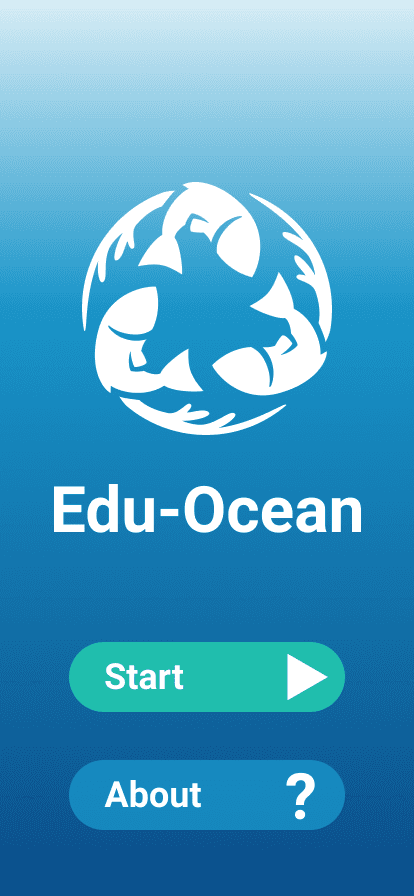
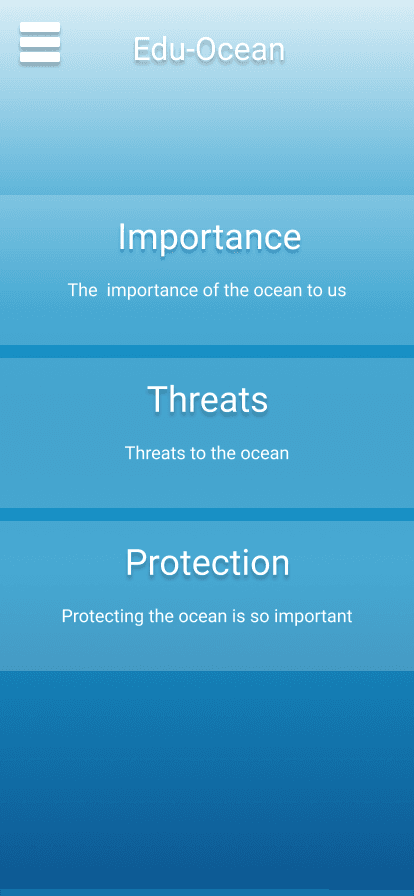
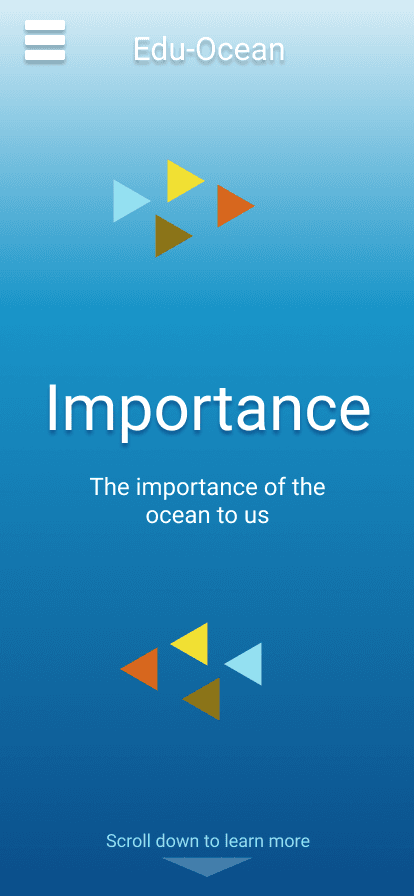
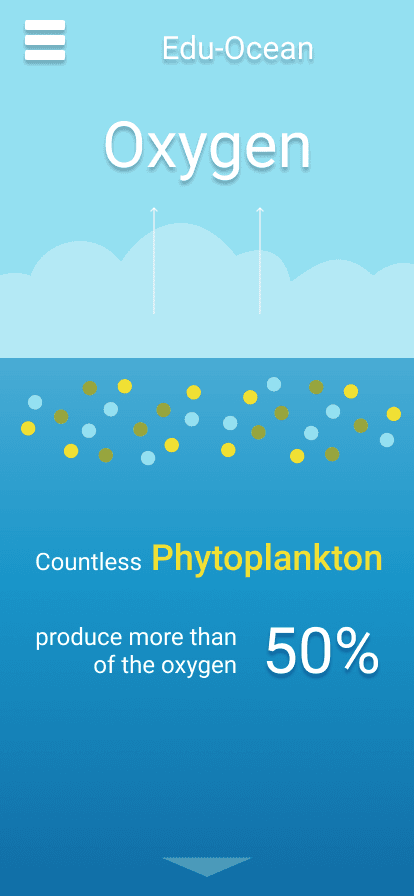
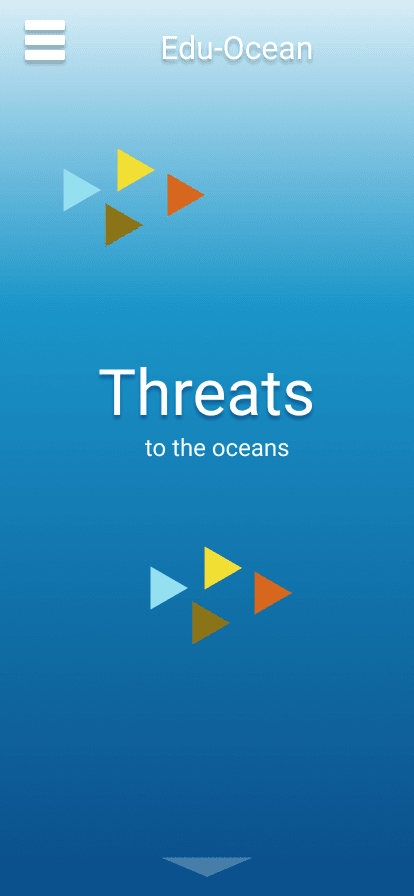
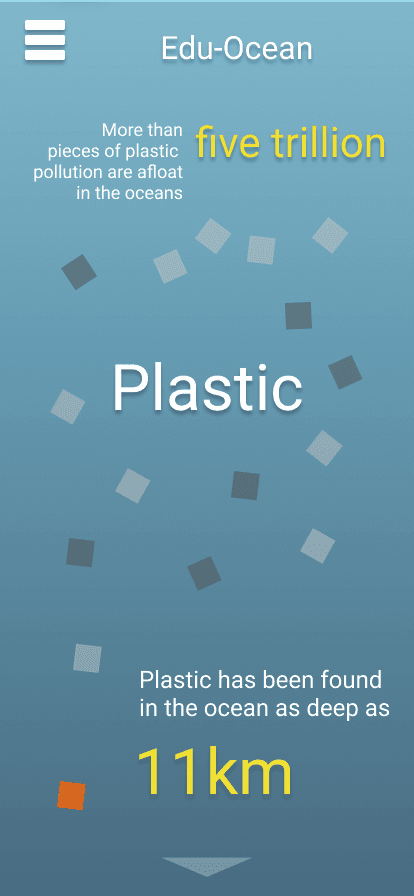
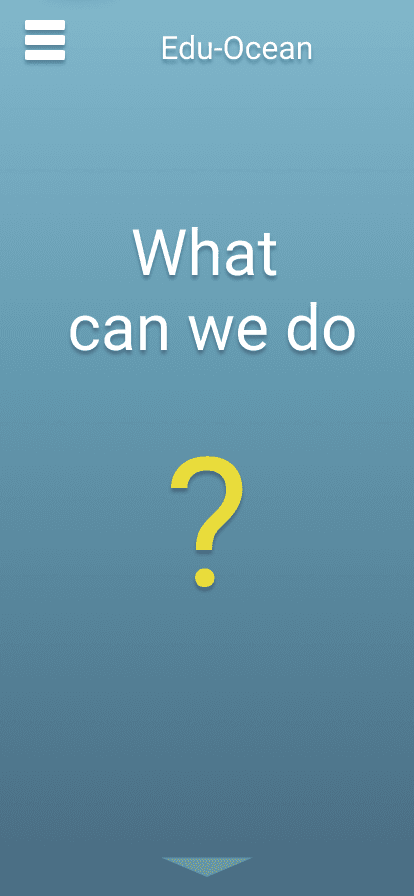
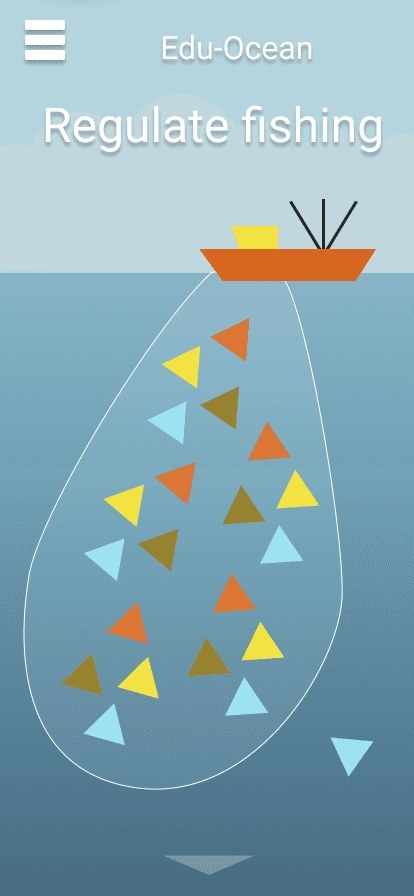
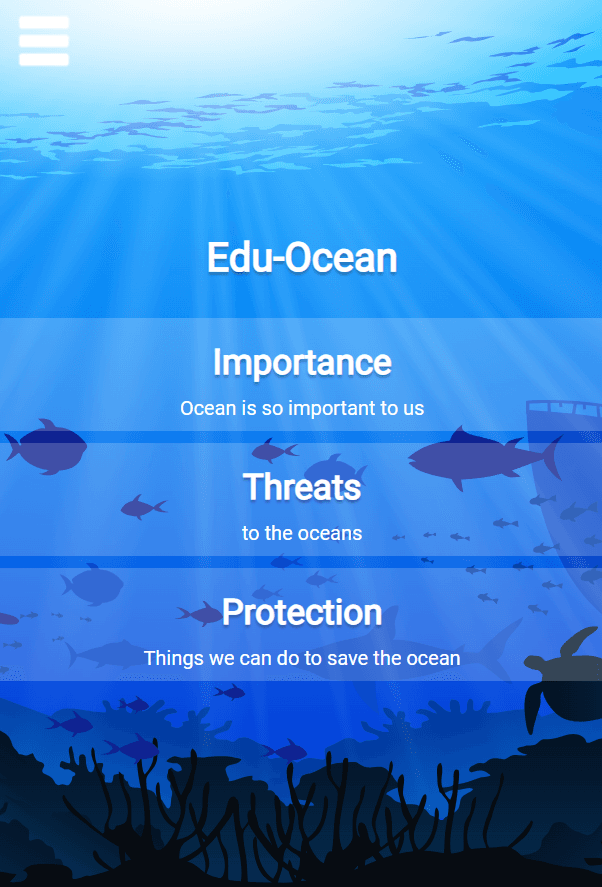
There is a landing screen where the user can either view the about page or enter the app. After entering the app they can go to one of three sections importance, threats and protection. Each section contains several screens with varying amounts if information and illustrations.
Design
We worked on the app's design in parallel with the development of app's structure and functionality.
Logo
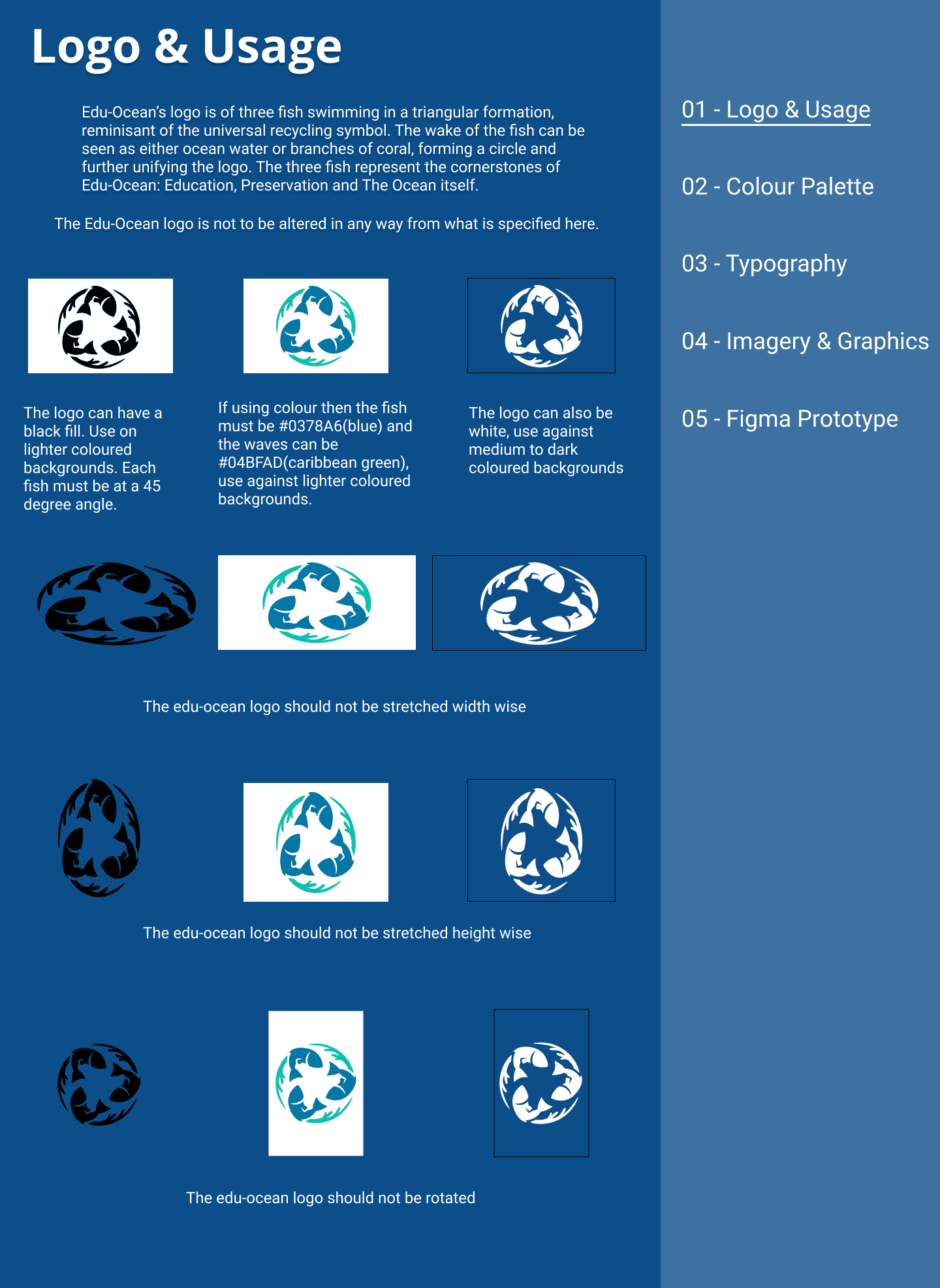
The first things we worked on was the logo. We went through several iterations before arriving at Edu-Ocean's current logo.
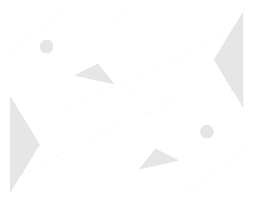
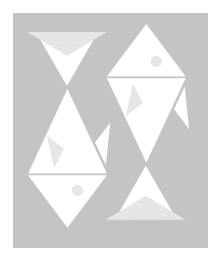
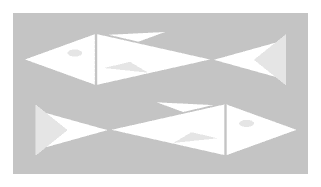

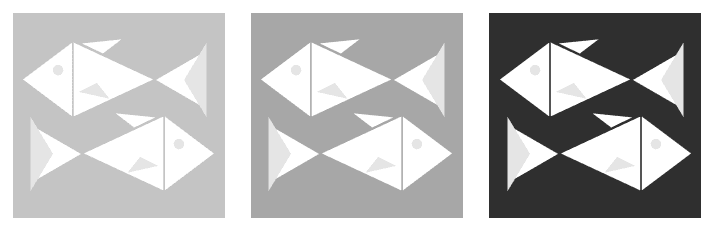
These are some early drafts of the logo.
The current logo has a closer connection to the themes that we wanted Edu-Ocean to convey. It's a reminder that the ocean is a source of renewal and rejuvenation for us all.
Color Palette
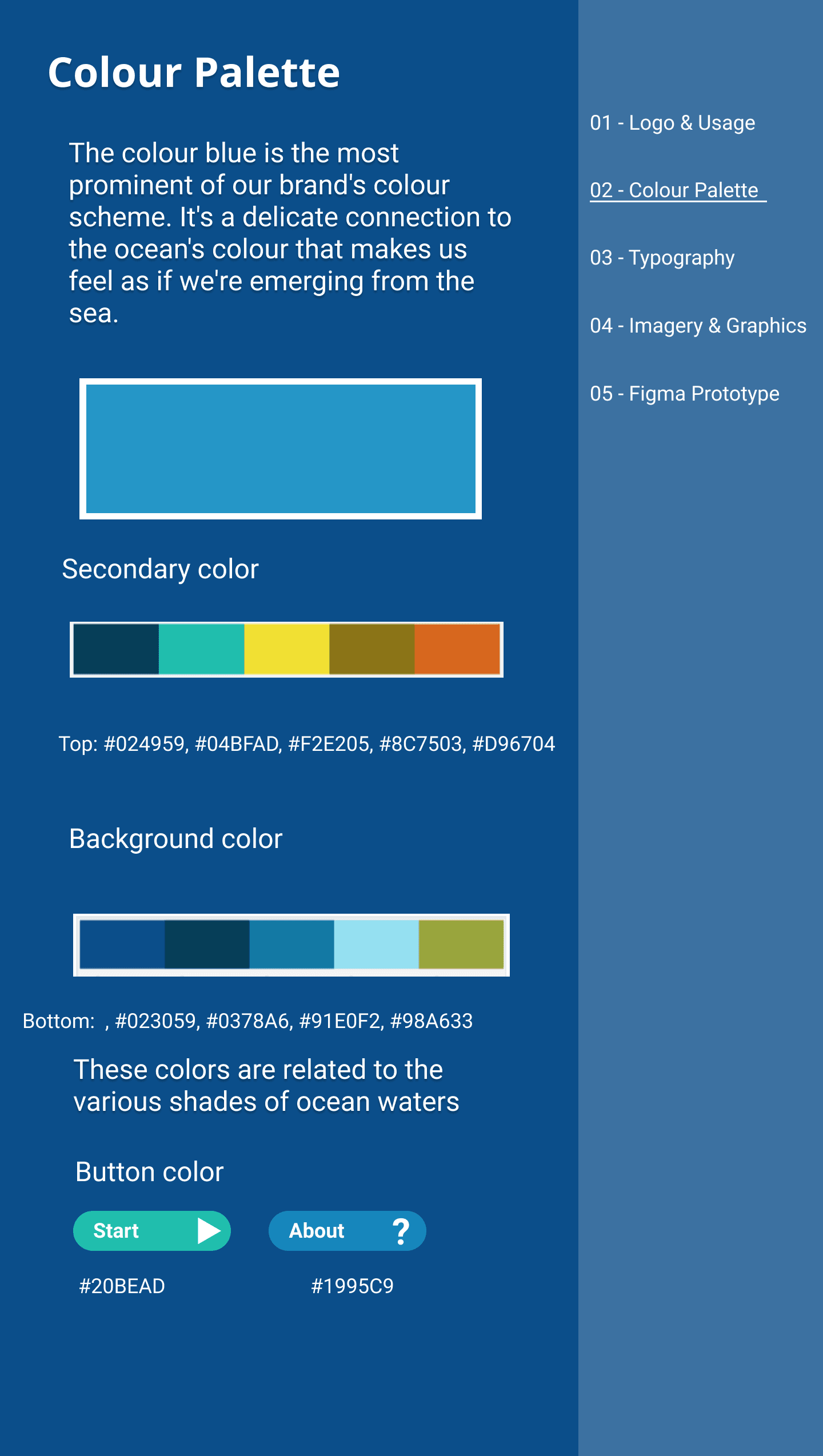
Edu-Oceans color palette is focused on the various shades of blue throughout the ocean.
Typography
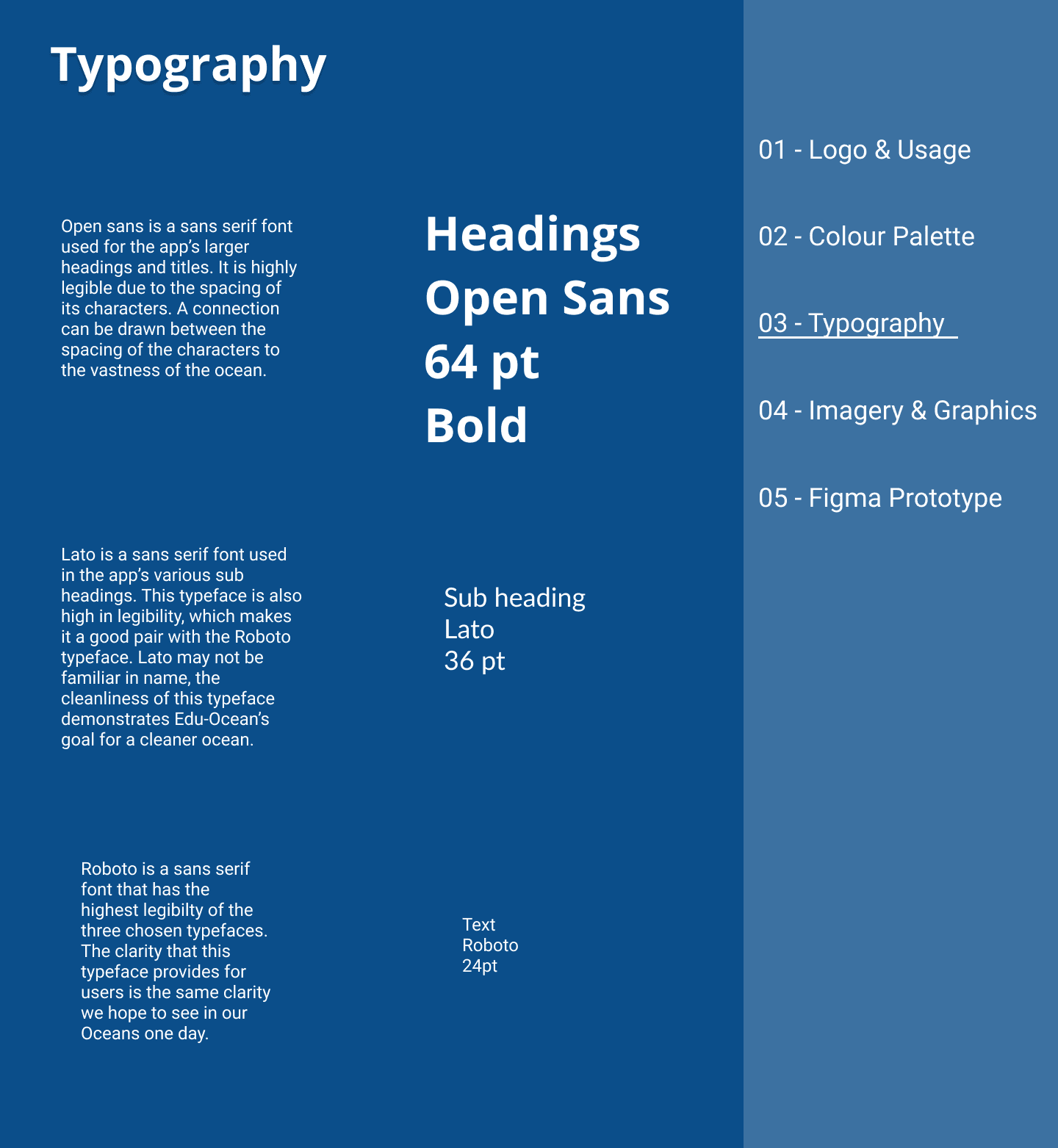
Picking the most legible font possible was very important to us. Educating the user was a higher priority than using a stylized or serif font that might have looked more aesthetically pleasing.
Images & Graphics
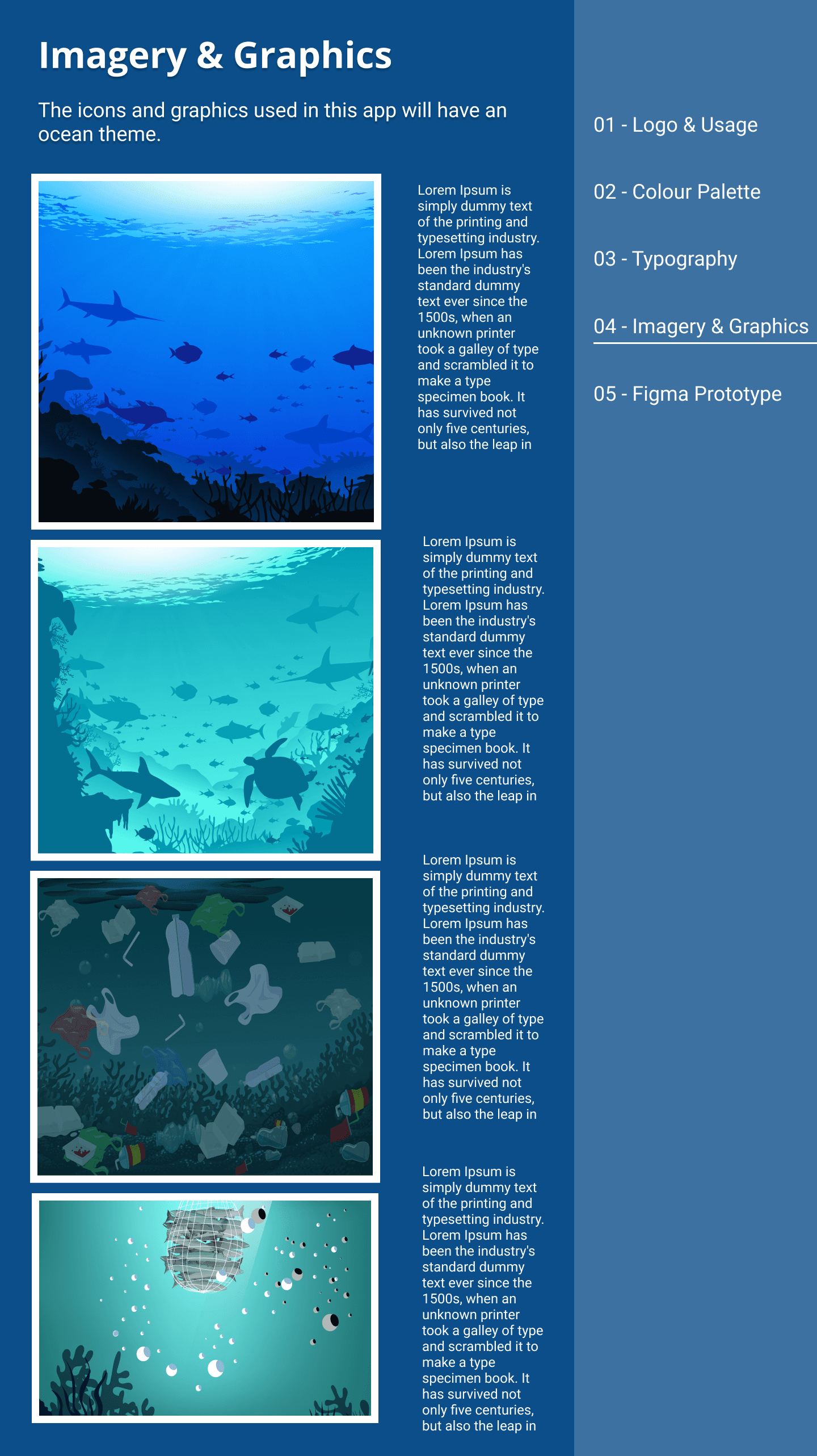
For the high fidelity prototypesWe used mixture of original graphics and stock images throughout the app. Since this app doesn't have a lot of ways to interact it was important that images were appealing. This encourages the user to continue through the app to learn and see more.
High Fidelity Prototypes
High Fidelity Prototype V1
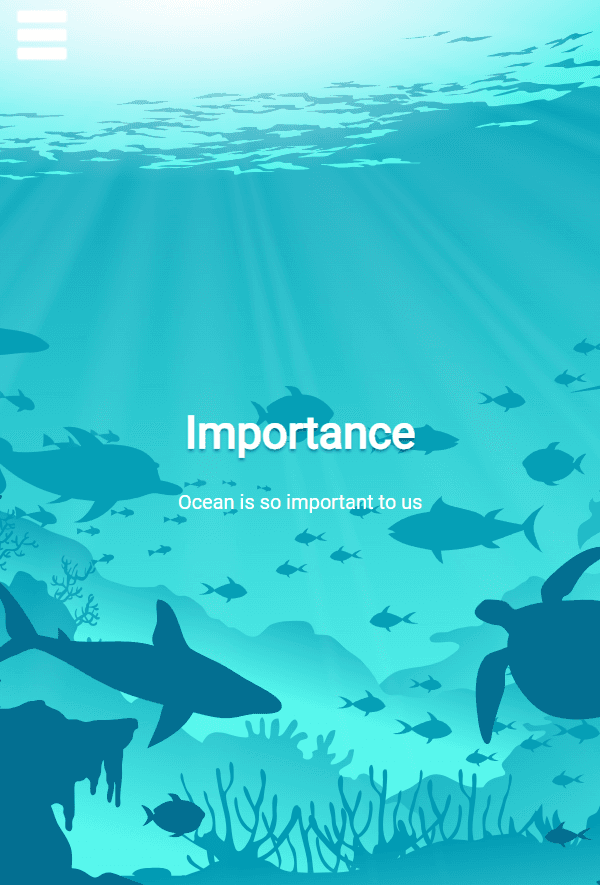
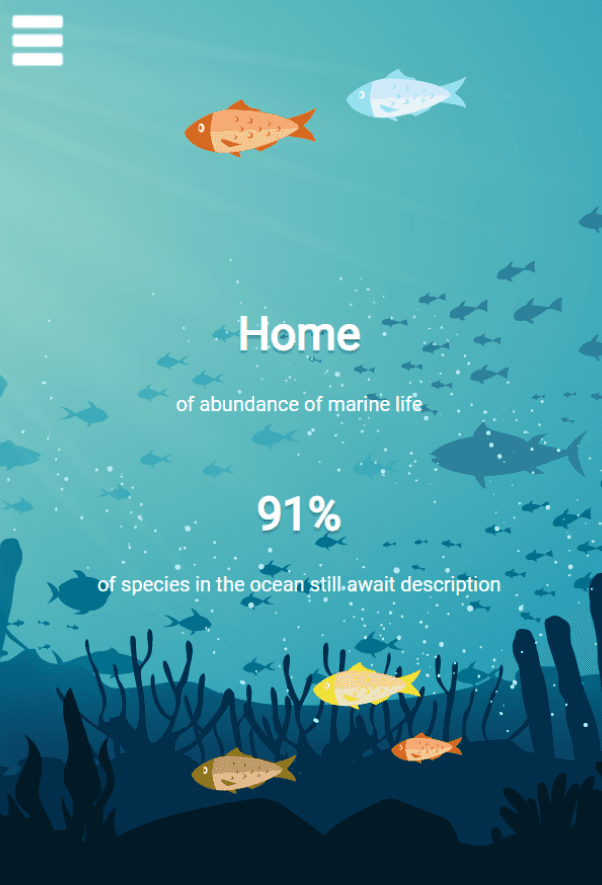
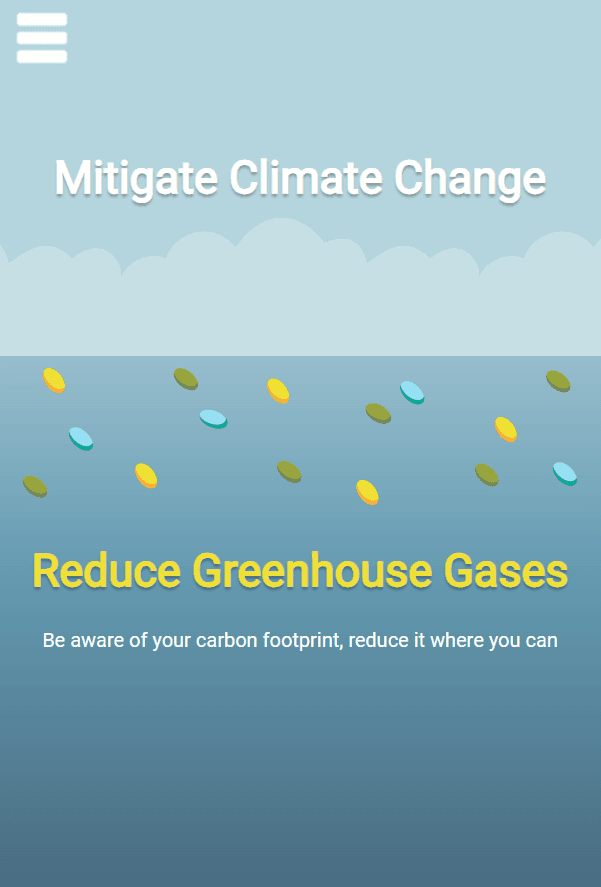
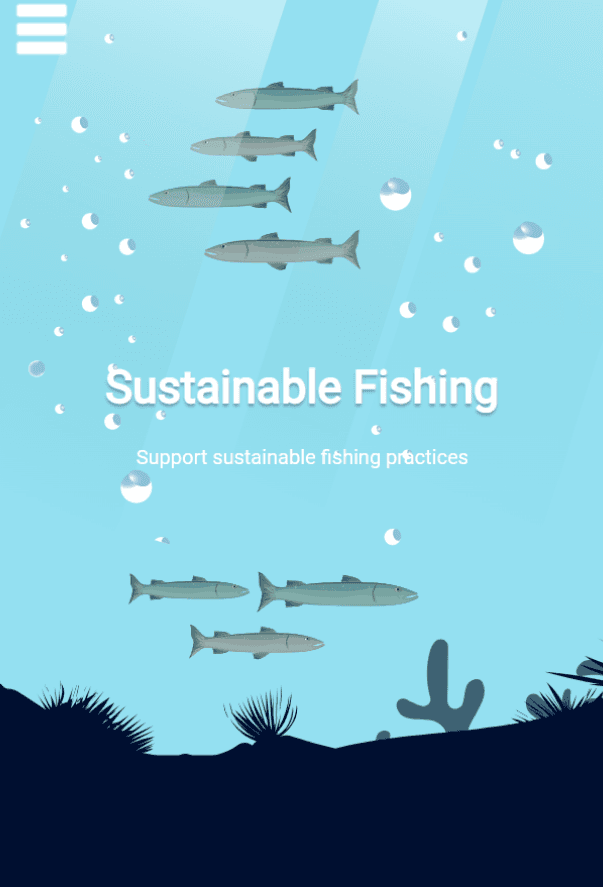
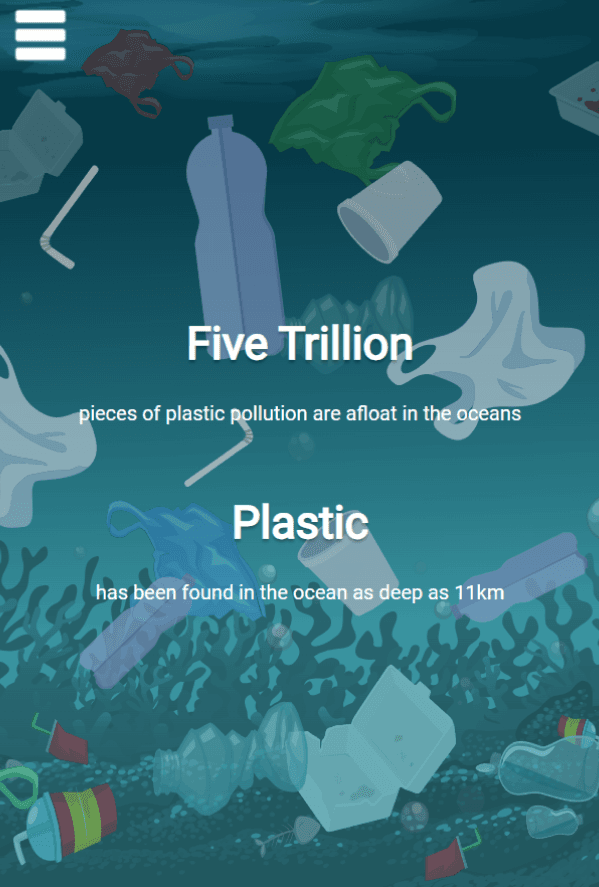
The content for Edu-Ocean's first high fidelity prototype consisted of written text, images and animations. there was little interactivity besides the navigational menu.
High Fidelity Prototype V1 User Testing
We had six users remotely test this application through screen sharing on discord. The tests typically took about 5 - 10 minutes to complete. The users were tasked with viewing all of the app's content. I would then ask questions about their experience and opinions after they were done exploring the app.
Positive User Feedback
- The animations are appealing.
- The app is easy to navigate.
- the app functions smoothly.
Negative User Feedback
- Content is too thin.
- More animation variation is needed.
- More image variation is needed.
- The navigational menu expands wider than the page on larger screens.
High Fidelity Prototype V2
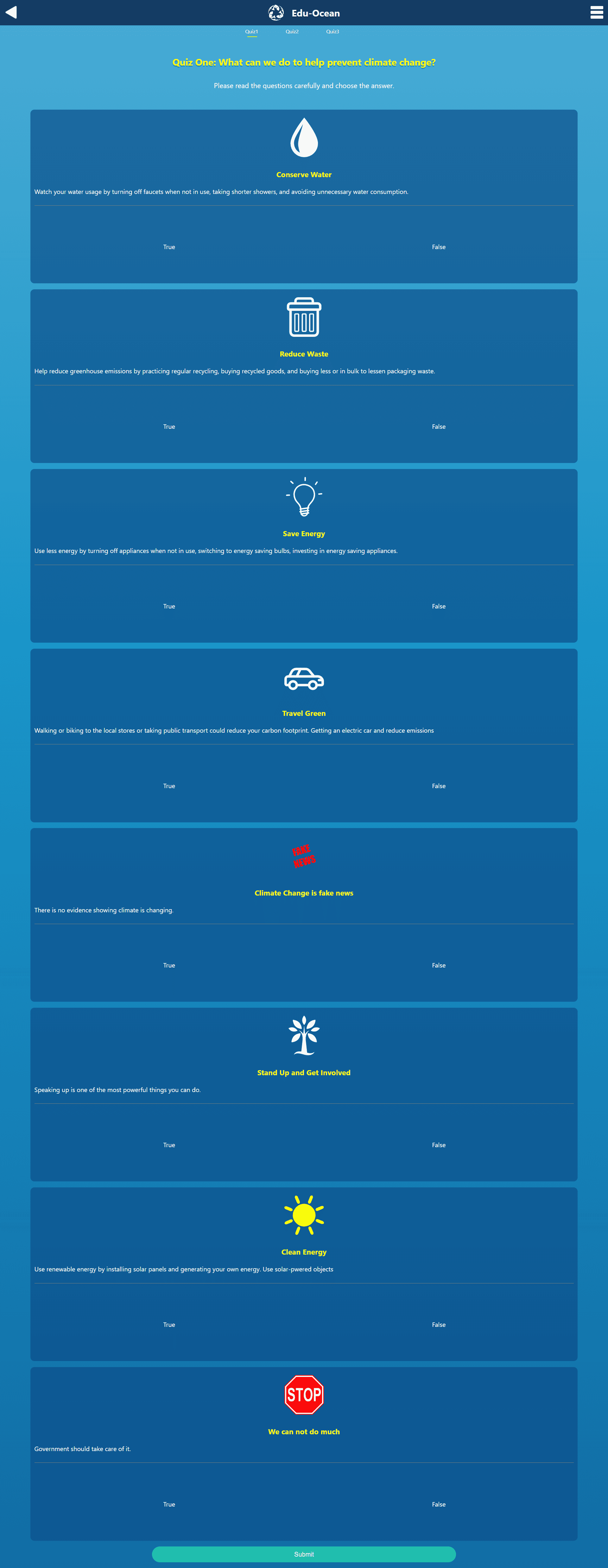
The second version of Edu-Ocean's high fidelity prototype shares many similarities with the final design. The major feature we added between this and the previous version was 3 quizzes. This provides a higher incentive for users to pay closer attention in the written content sections. It also adds more interactivity to the app which was something that users felt was lacking.
High Fidelity Prototype V2 User Testing
These tests occurred over the course of two days with 6 participants in total. Each test was approximately 20 - 25 minutes and took place remotely over zoom. The participants enjoyed the graphics, the quiz and the overall layout of the app's content. The major changes that need to be made include a reformatting of the typography hierarchy, altering the flow of information, increase to text legibility and more content overall. New features to add include dynamic transitions, animations and a more intuitive user interface on each page.
Final Outcome
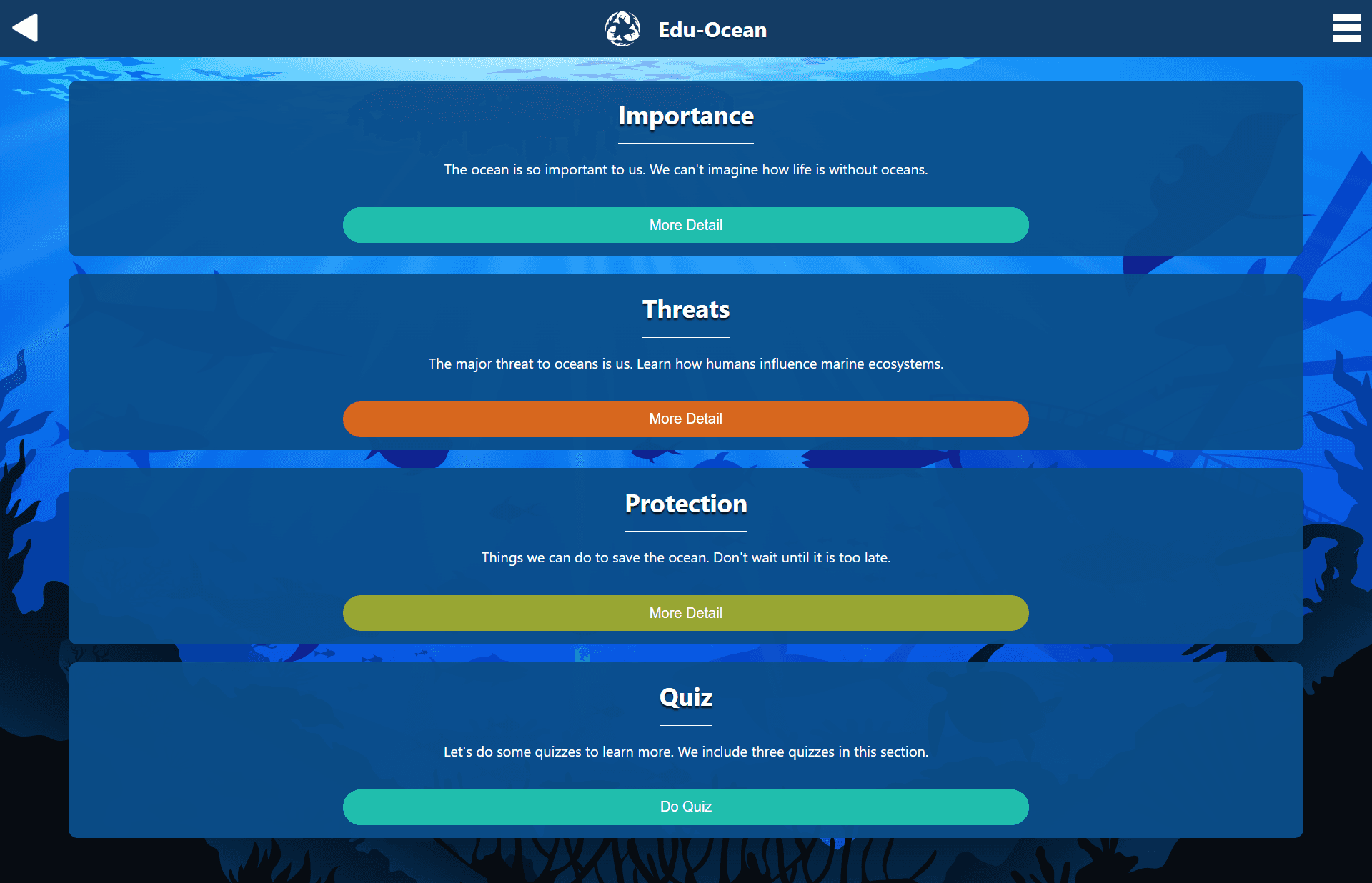
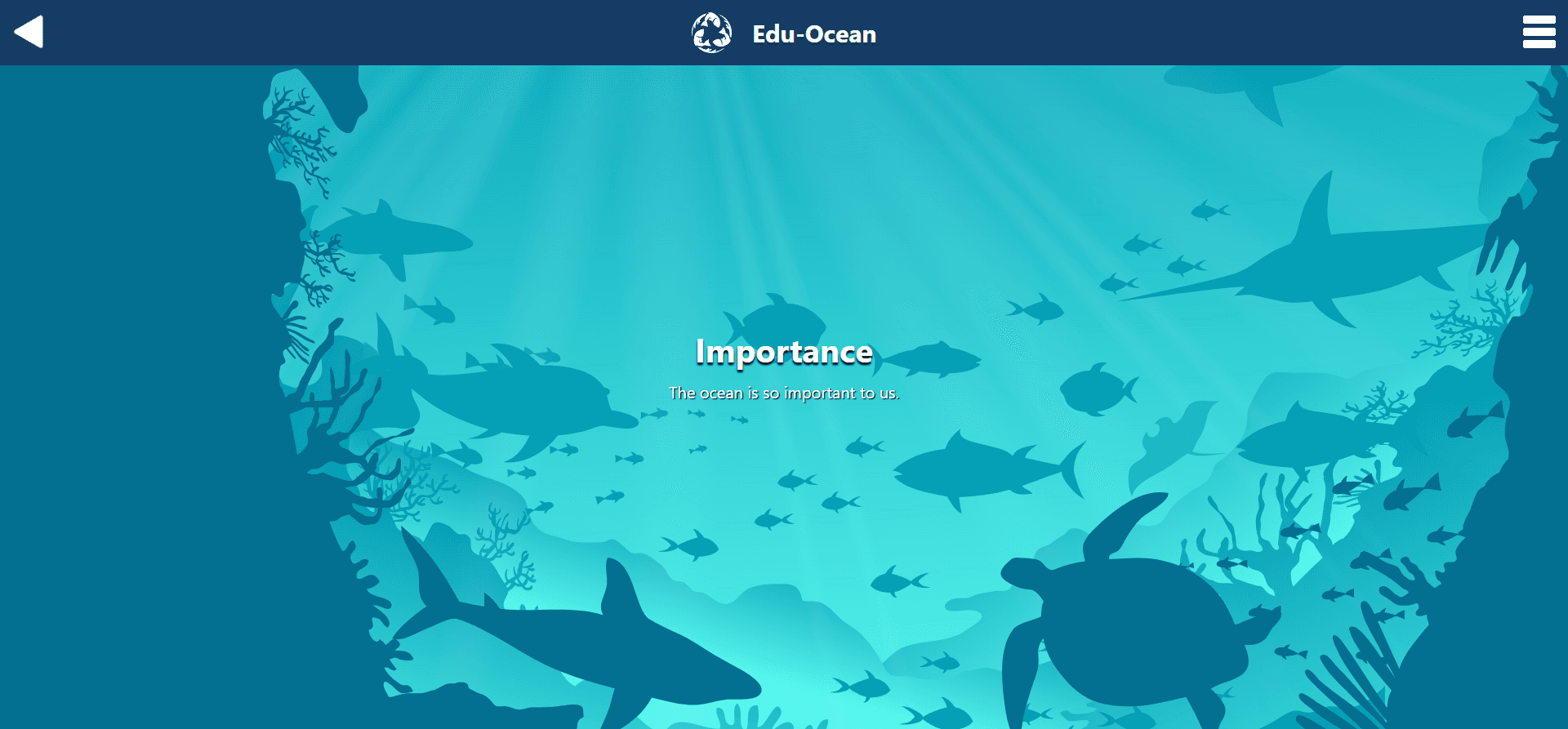
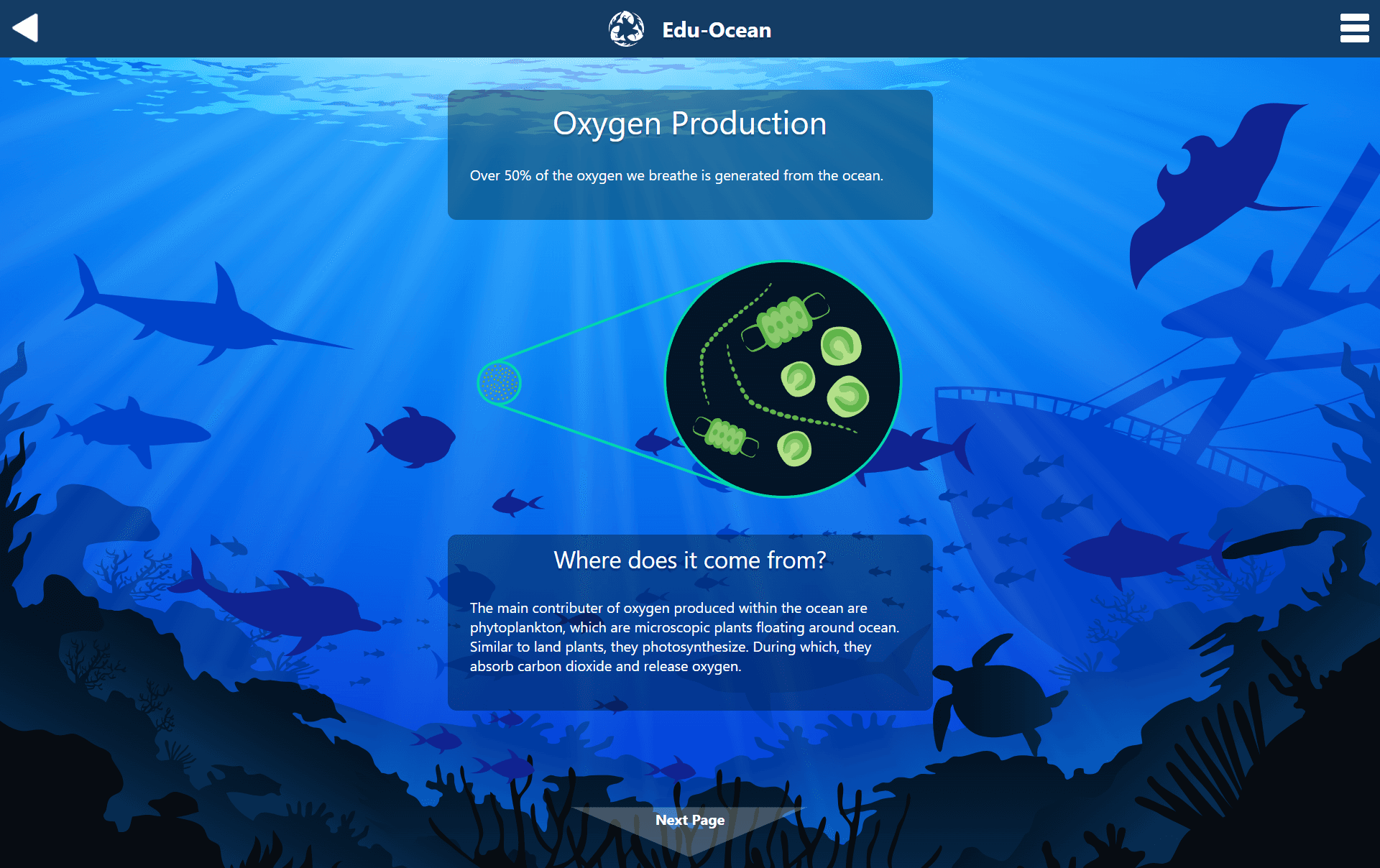
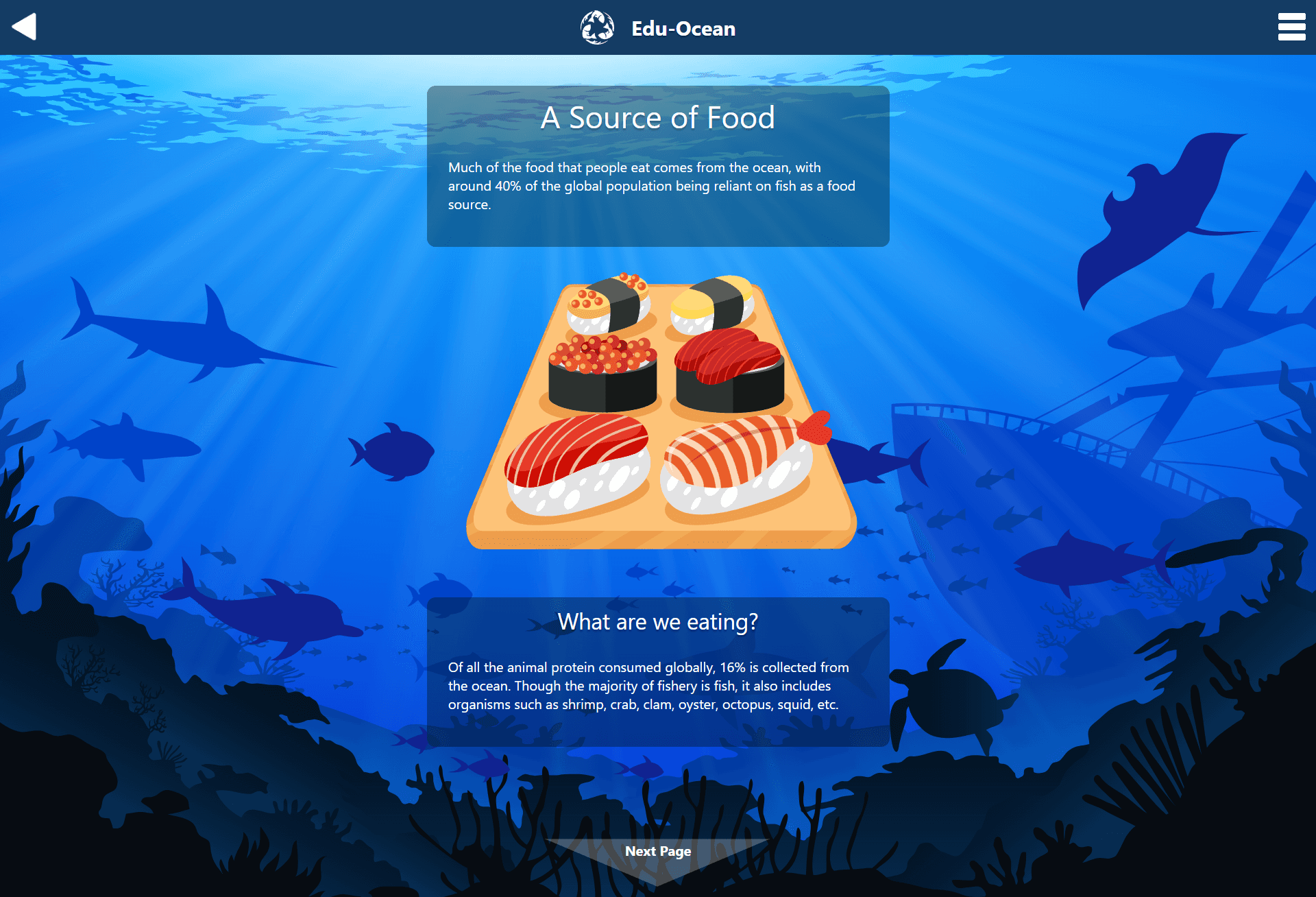
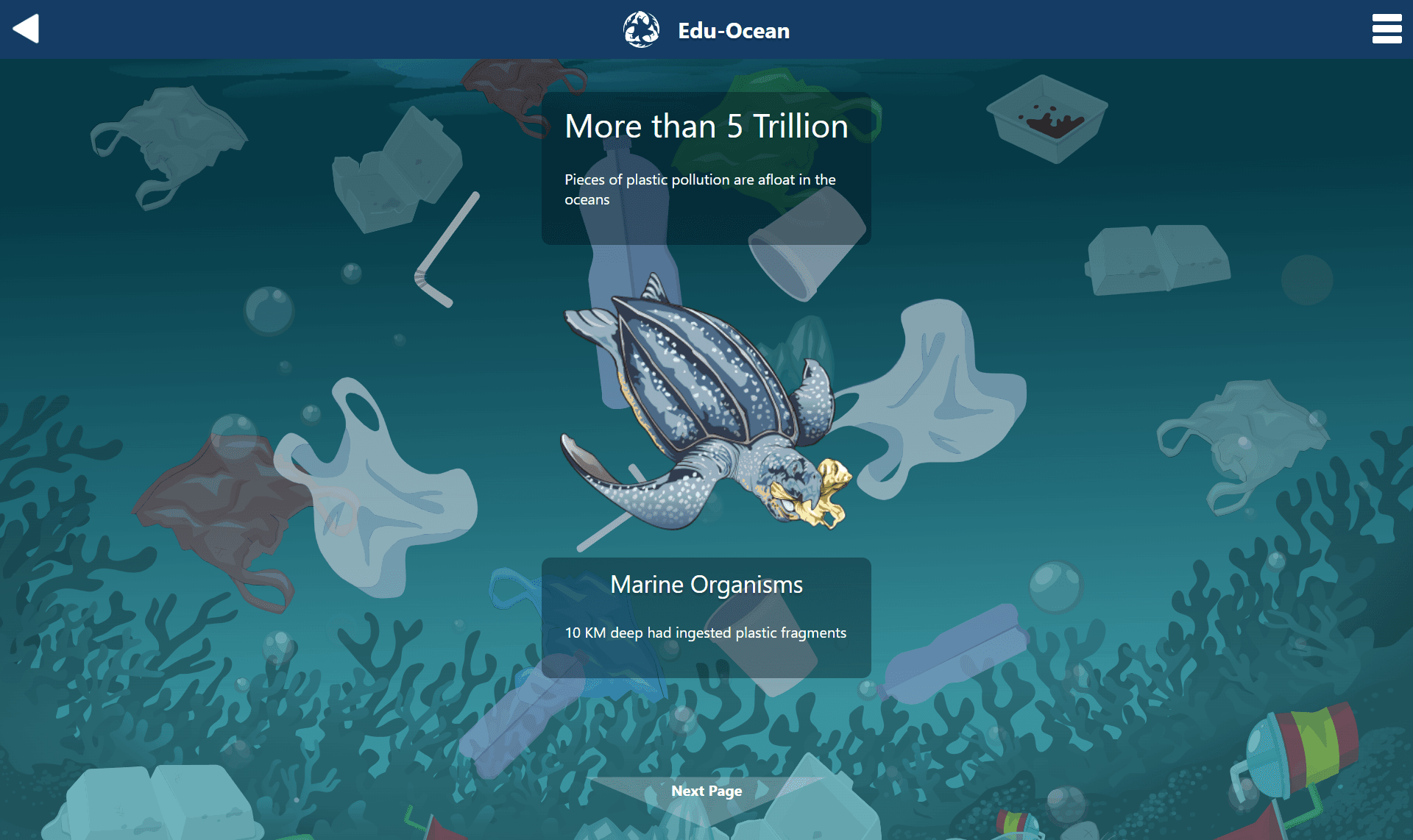
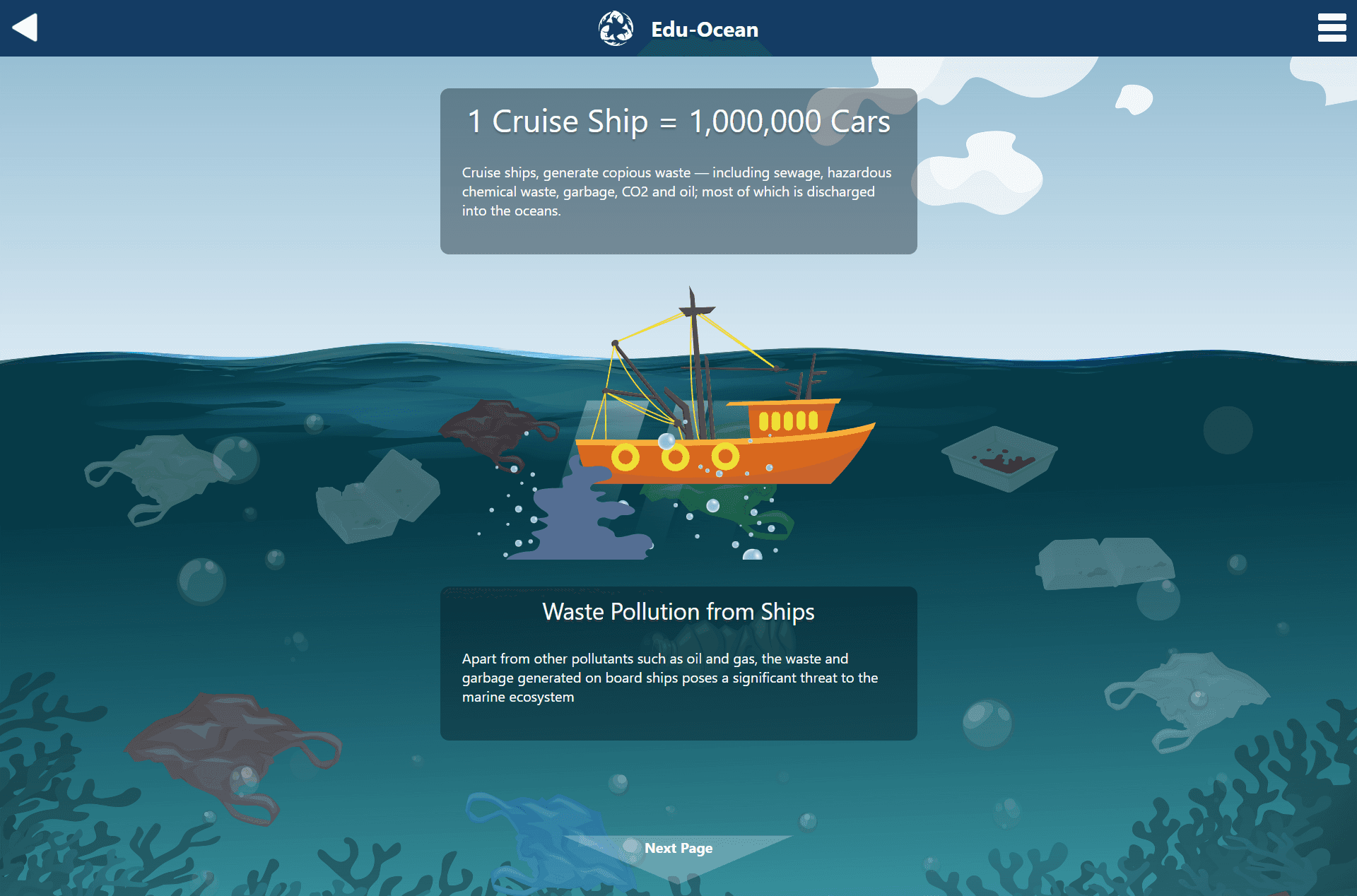
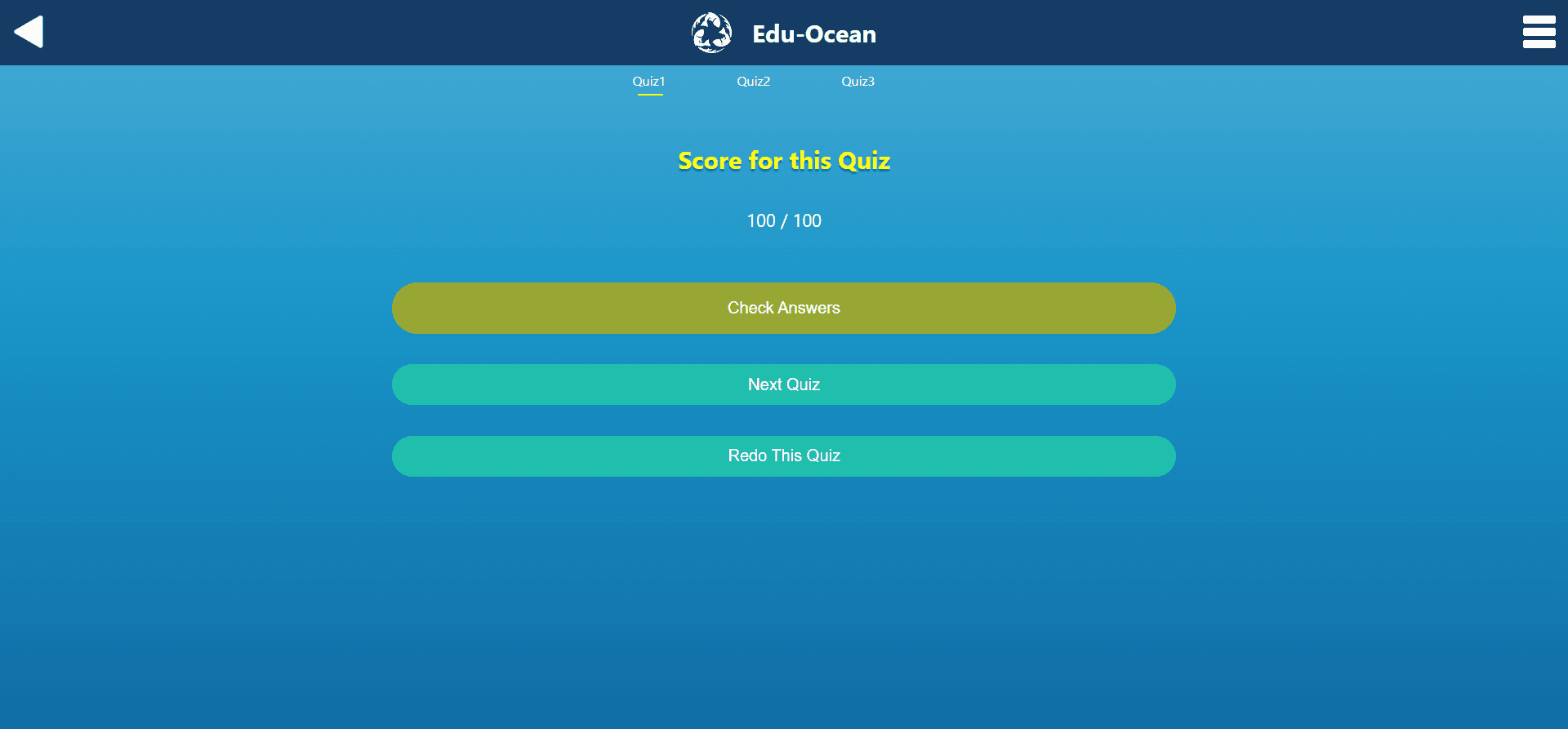
This final version of the Edu-Ocean application contains almost all the features we set out to include. There are are background and foreground images that are relevant and thematically appropriate for each page's content. The written content is concise and to the point. We also added more questions to the quiz as well as a scoring system. Some features we didn't have time to include were dynamic animations and transitions.
Lessons Learned
I enjoyed the time I spent working on Edu-Ocean. It was my first time working on a project where I had to balance the ui/ux design and front end development duties.
There were many more features that I would have like to add to Edu-Ocean. I realized that some ideas on the ui/ux side of things don't always translate to the development side of things. There were many points where we had to make compromises on our designs because we lacked the time to implement them
If I were to do this project again, I would push to do a more thorough competitive analysis. This would have given us a better idea of how to lay a strong foundations for our design in a format that works. We spent a lot of time trying to figure things out ourselves when we could take inspiration from other successful educational apps.
Thank you for reading.